Selector★
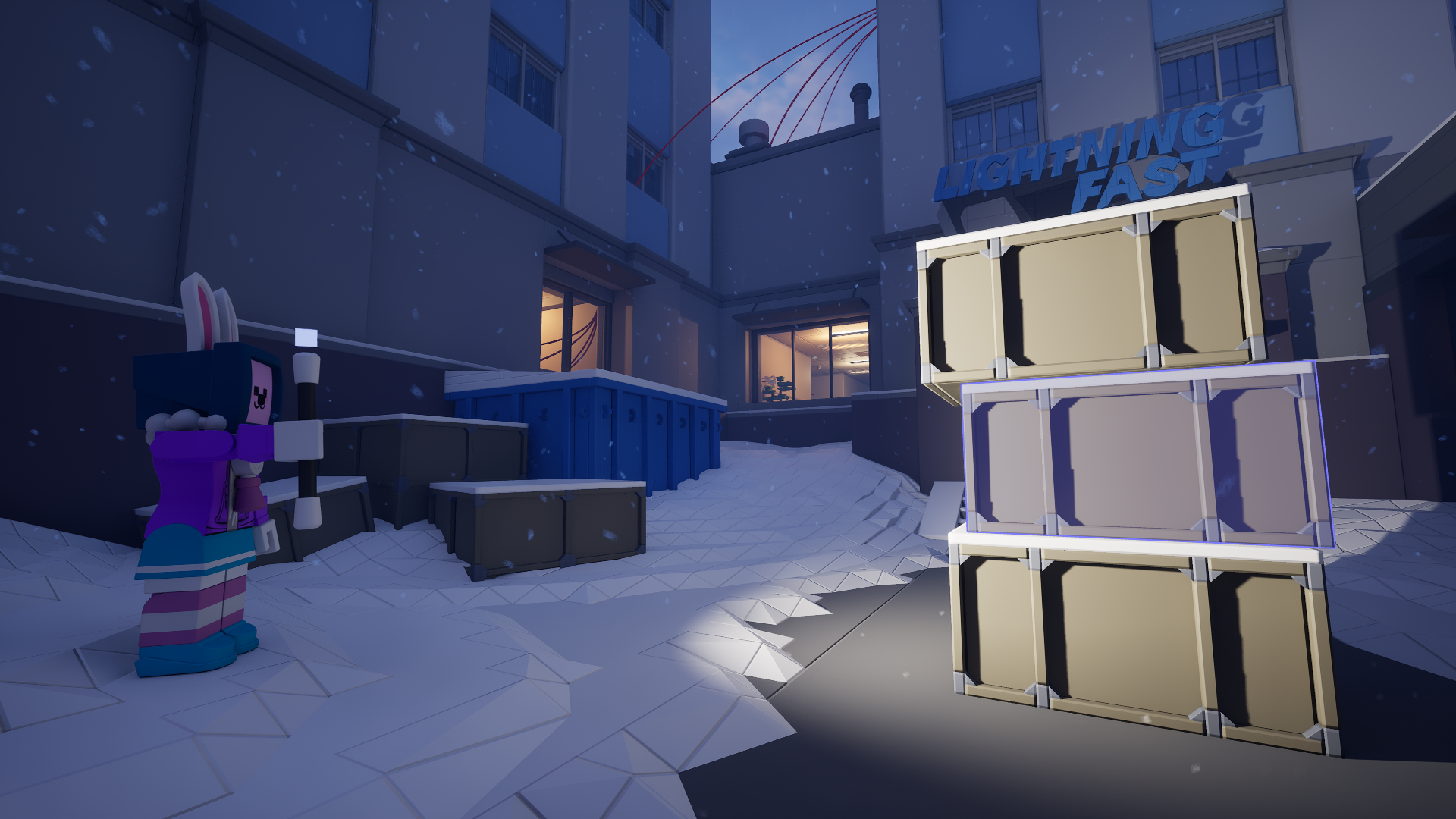
The Selector is a tool for copying and pasting over any object that is essential to your buildings. It can replicate nearly everything, from wire connections to brick grids.
Equipping the Selector★
There are two ways to equip the Selector.
Through a keybinding★
There is no default Selector keybind. You can set one through the control settings.
Through the Tool Wheel★
Hold G to access the Tool Wheel. This temporarily frees your mouse.
Drag your cursor to the left of the tool wheel.
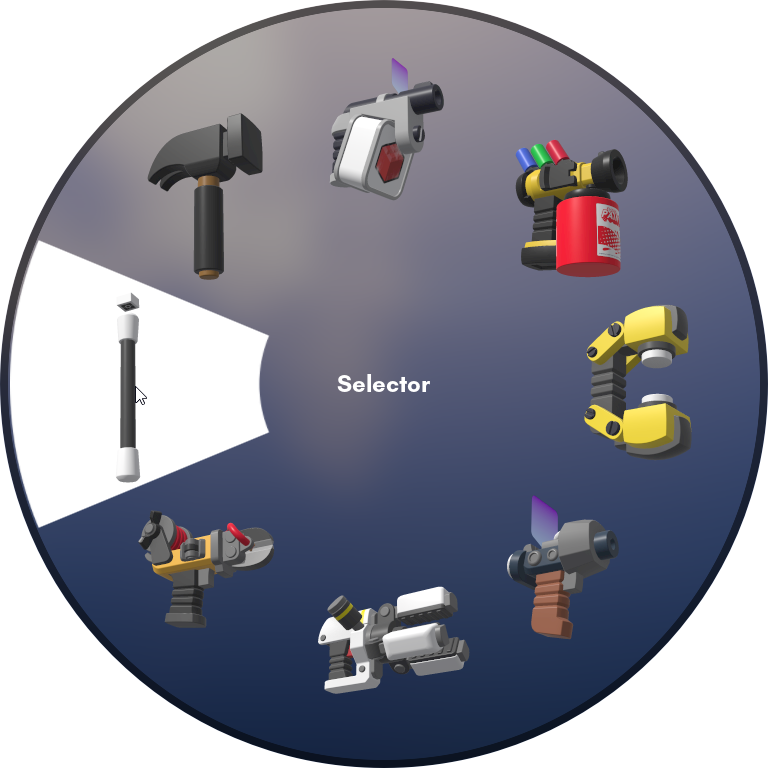
Selector on the left of the Tool Wheel.
Release G to equip the Selector.
Changing the Selector Mode★
You can press C to change the Selector's mode between the Box Mode and the Connection Mode. For information specific to those modes, go to these pages.
-
Select certain objects precisely with a box.
-
Select whole entities, including brick grids.
For information that applies to all Selector modes, continue reading this page.
Copy selection★
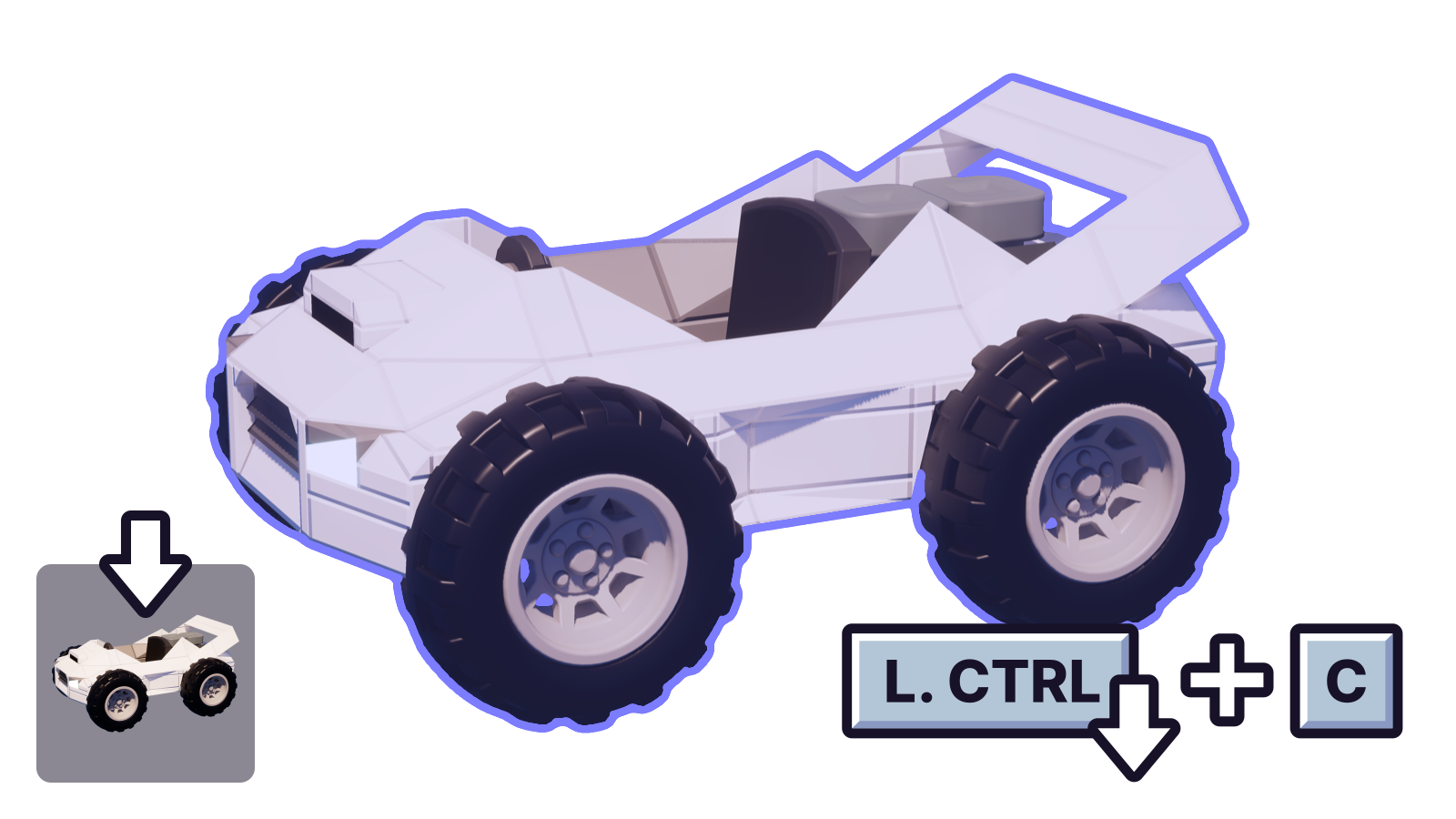
Hold Ctrl and press C to copy the current selection into your clipboard. This keeps the original copy of the selection.
Cut selection★
Hold Ctrl and press C to cut the current selection into your clipboard. This removes the original copy of the selection.
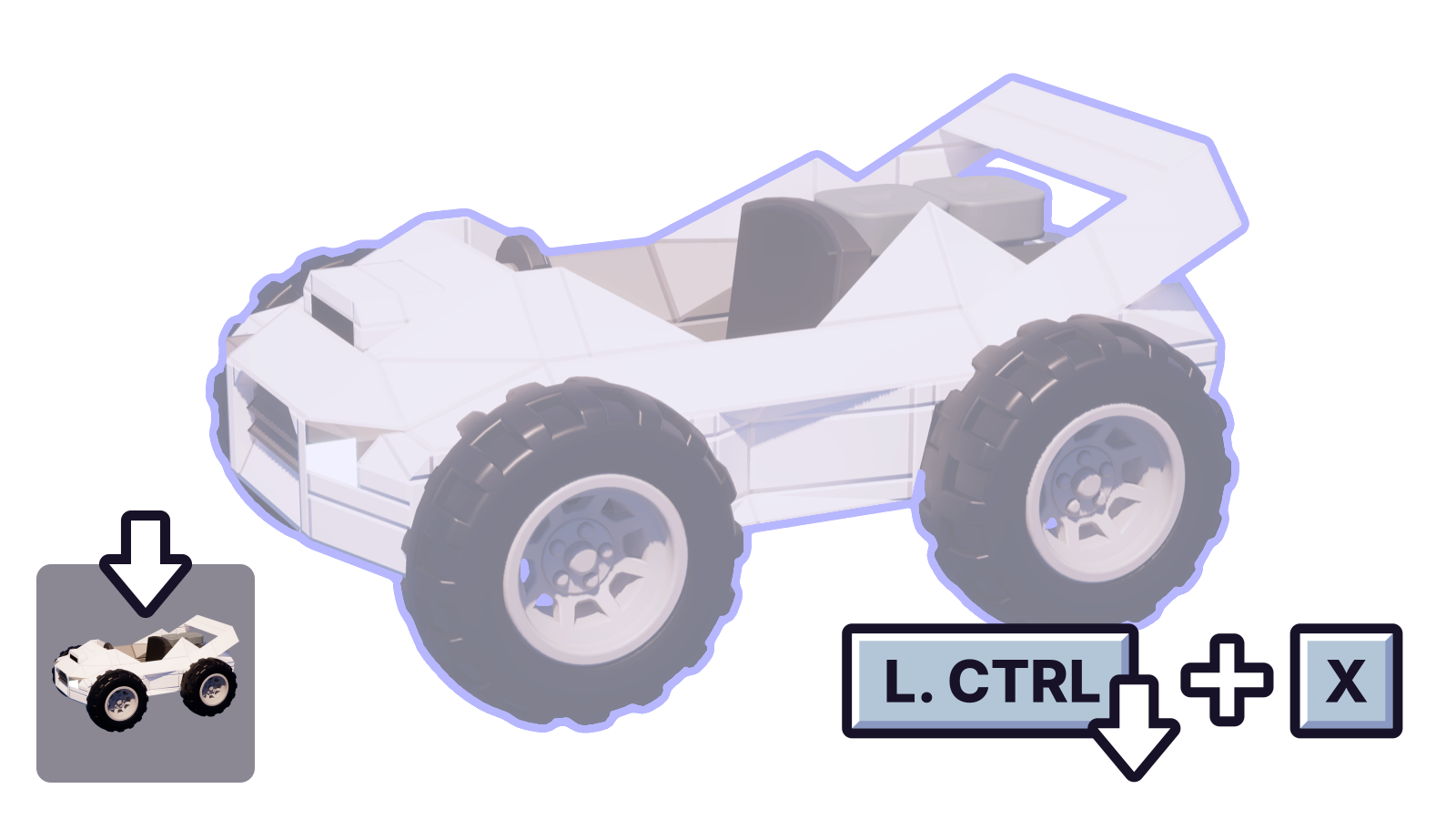
Paste selection★
Hold Ctrl and press V to paste the objects from the selection in your clipboard. This will equip the Placer and your selection in the temporary slot.
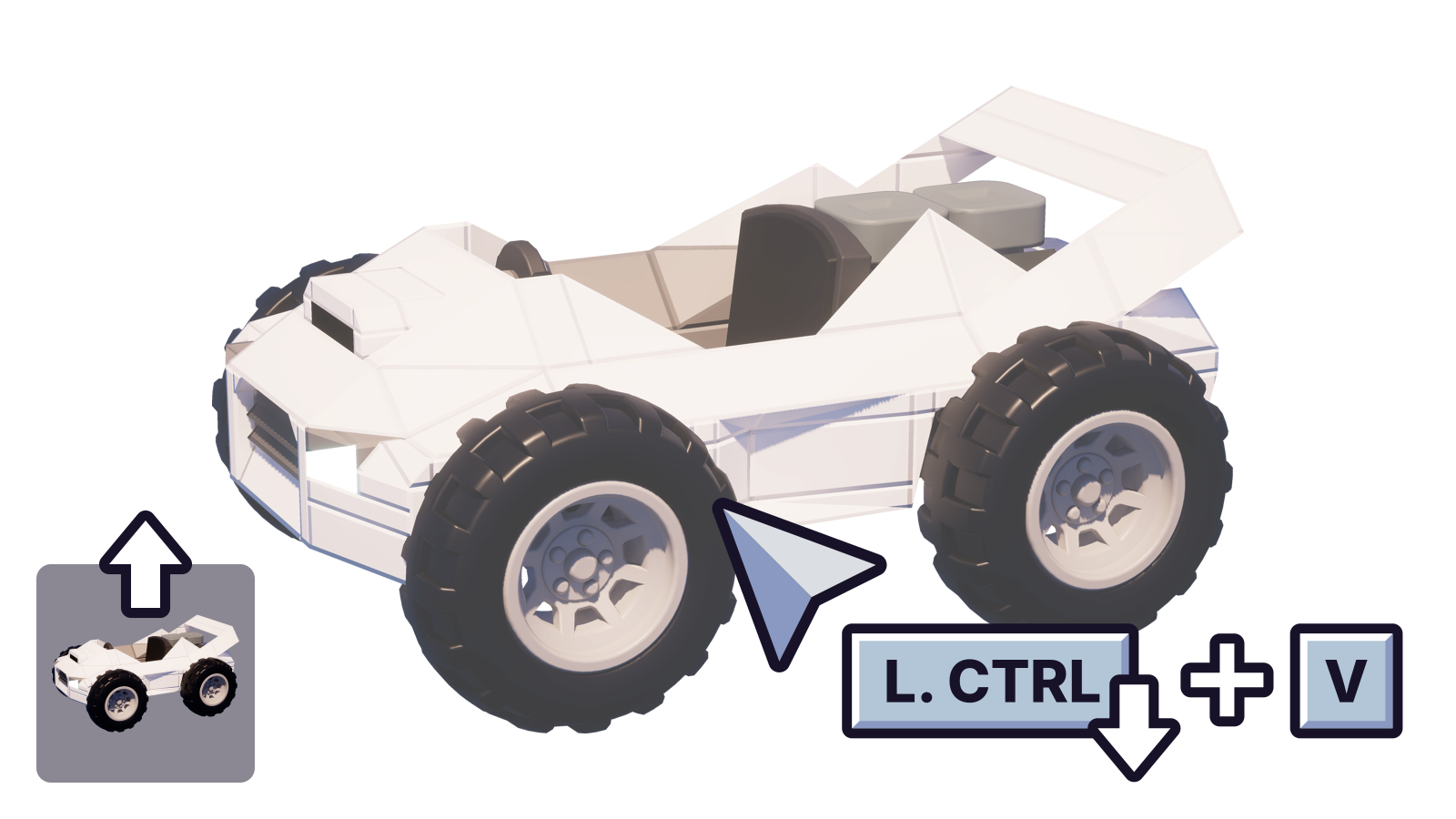
- If you have the Switch to Precision Mode on Paste option disabled, the objects will paste into the current location you're looking at and you will be in Mouse Mode.
- If you have both the Enable Precision Mode and the Switch to Precision Mode on Paste options enabled, the objects will paste into the same location and brick grid they were on. This will put you in Precision Mode instead of Mouse Mode.
Delete selection★
Press Del to delete the current selection of objects.
Make selection physics object★
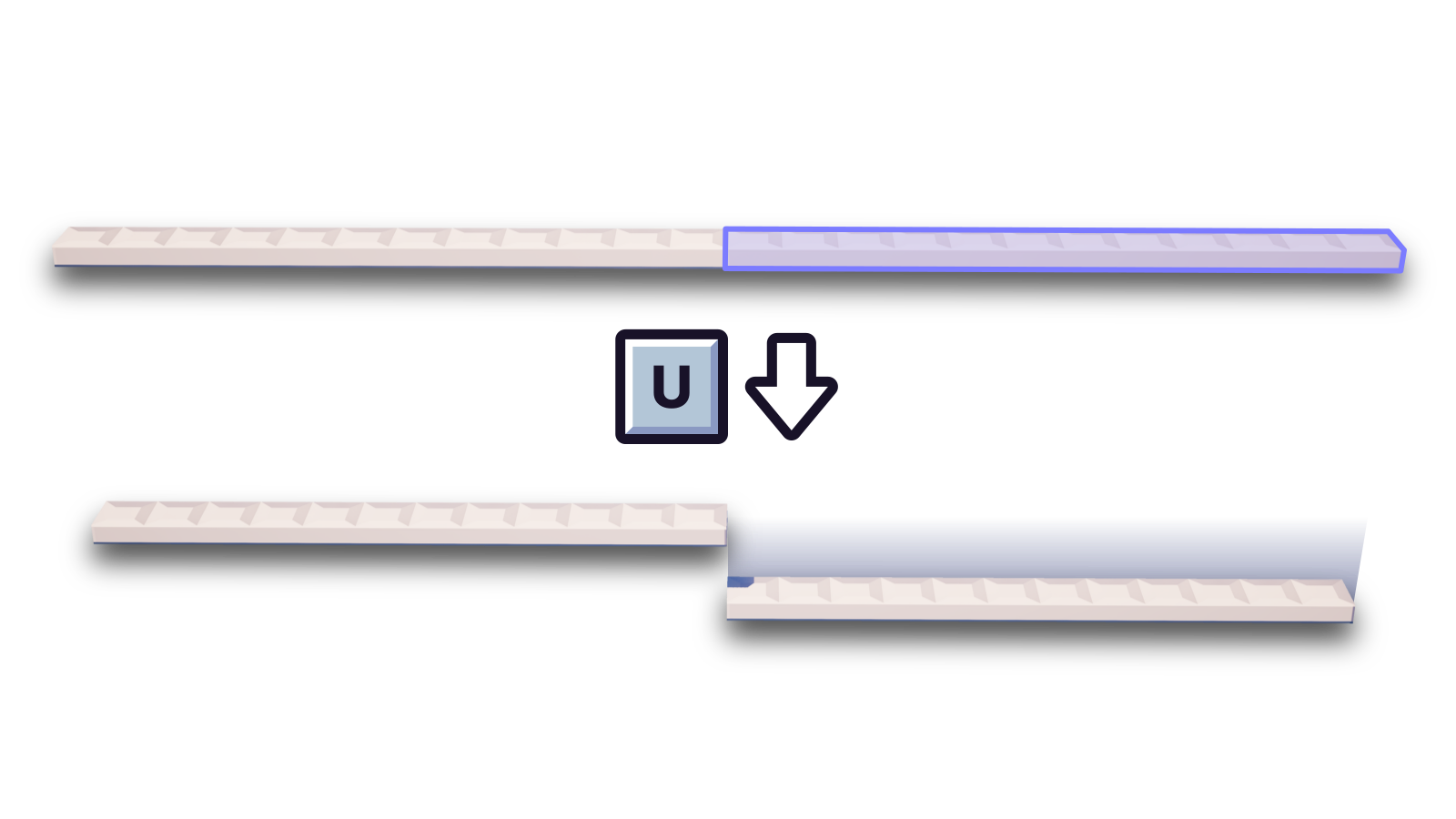
Press U to turn the current selection of objects into their own entity.