Studio★
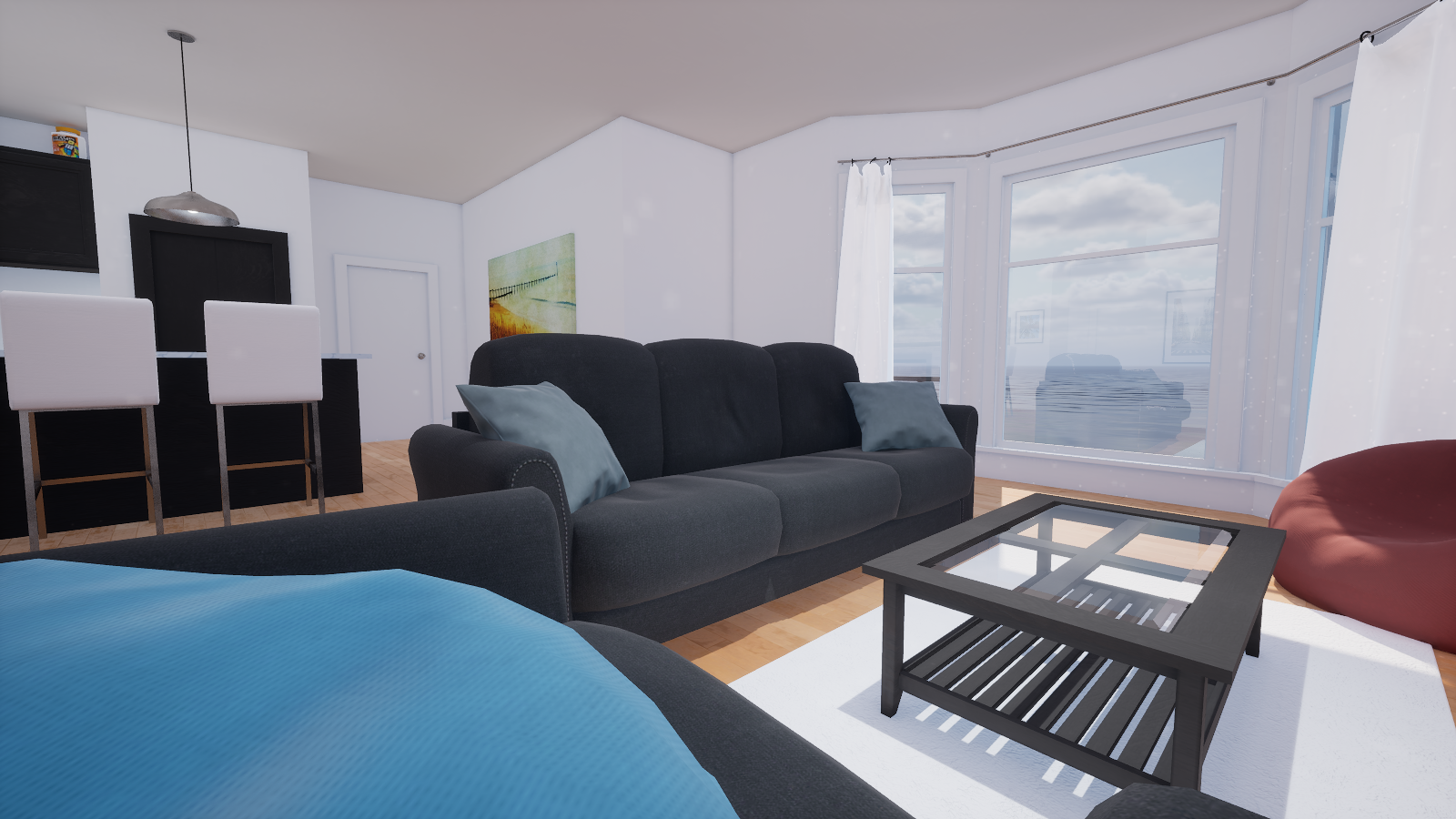
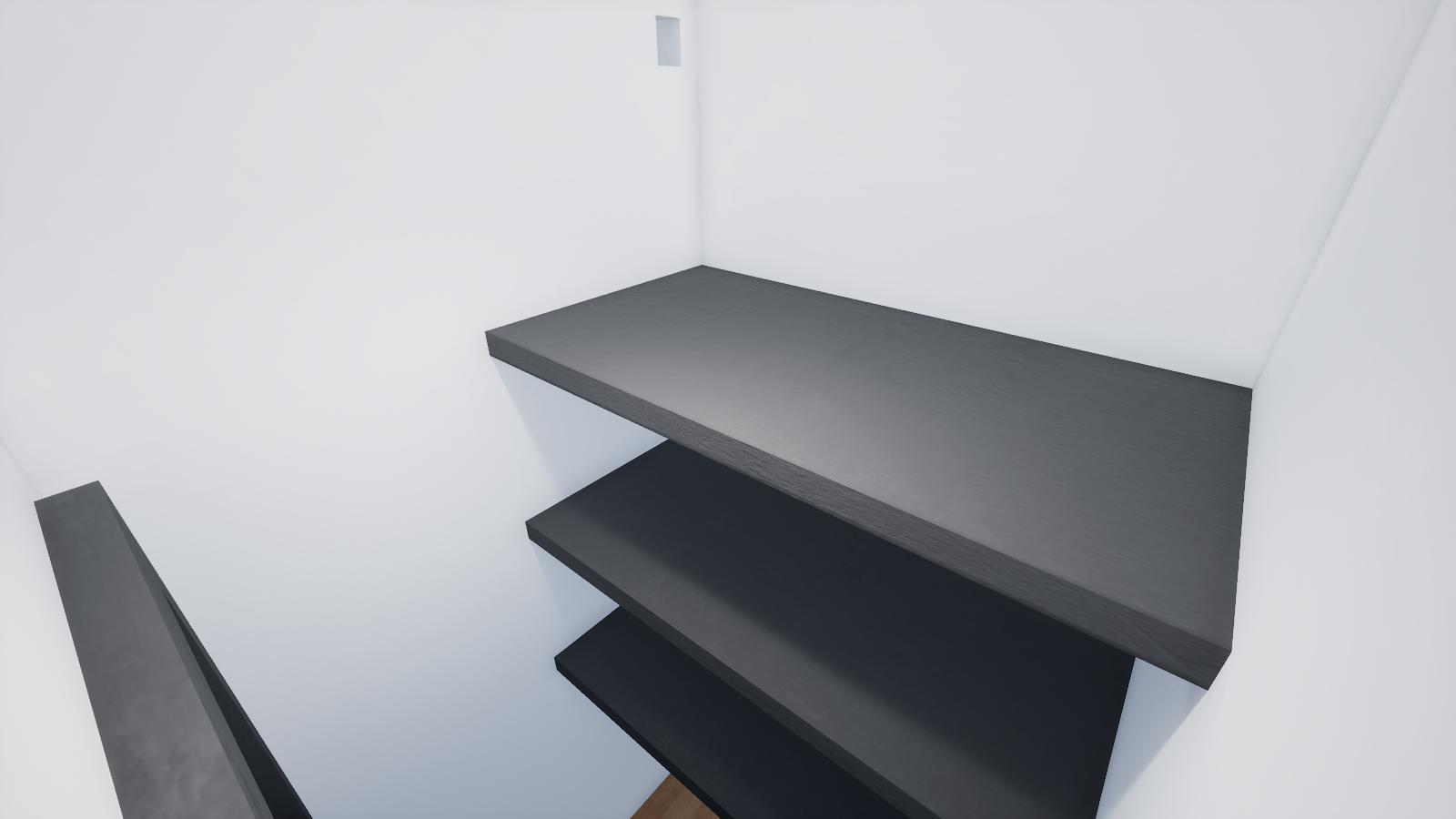
Studio is the first and only current interior environment in Brickadia. The Studio itself is a spacious area where a kitchen and a living room blend together into one room. The environment provides a lot of building opportunities by constraining players to the confines of Studio.
Studio's baked lighting isn't being maintained at the moment, there may be unwanted speckles or lack of darkness in areas where there should be.
Lighting Scenario★
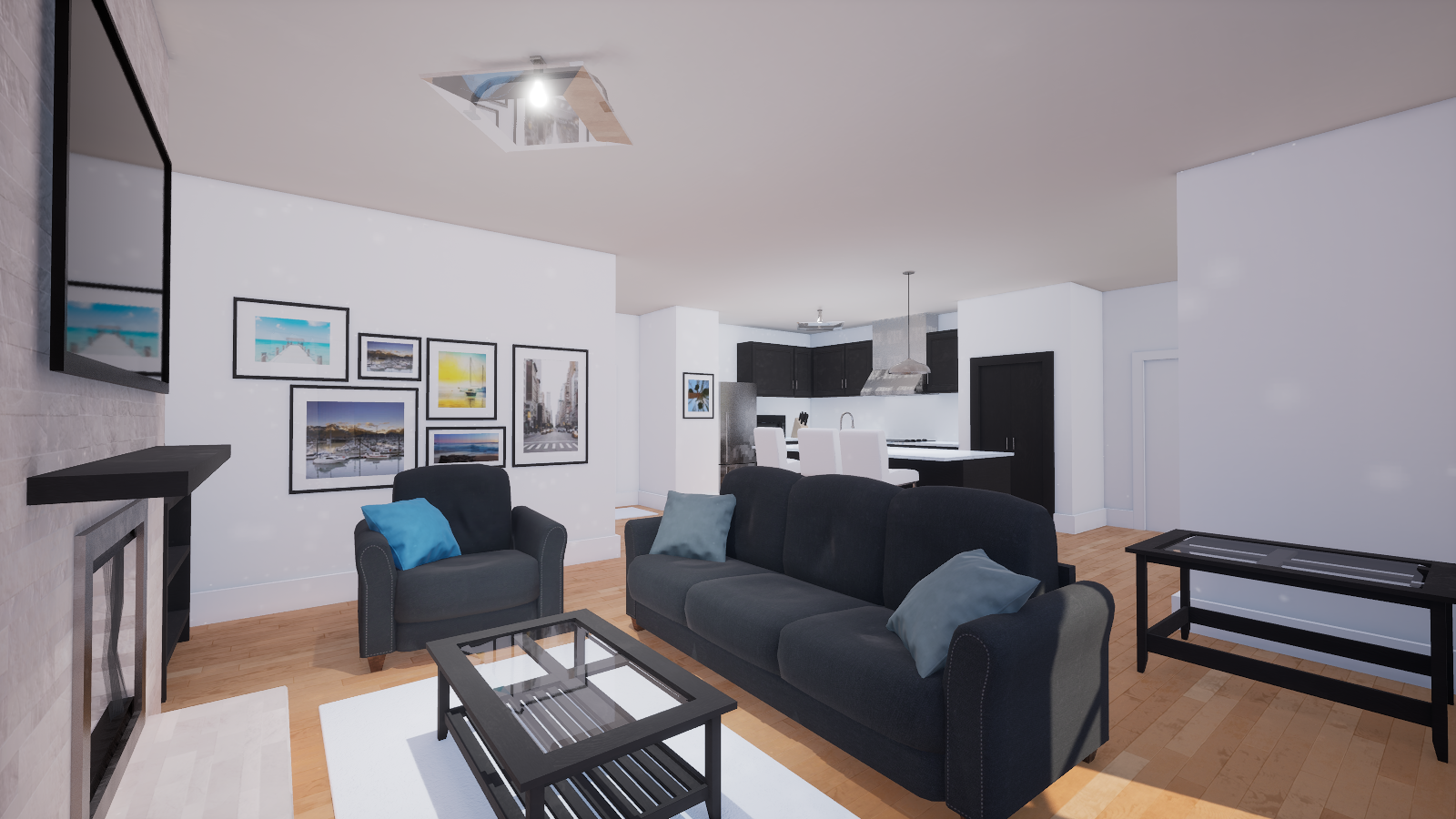
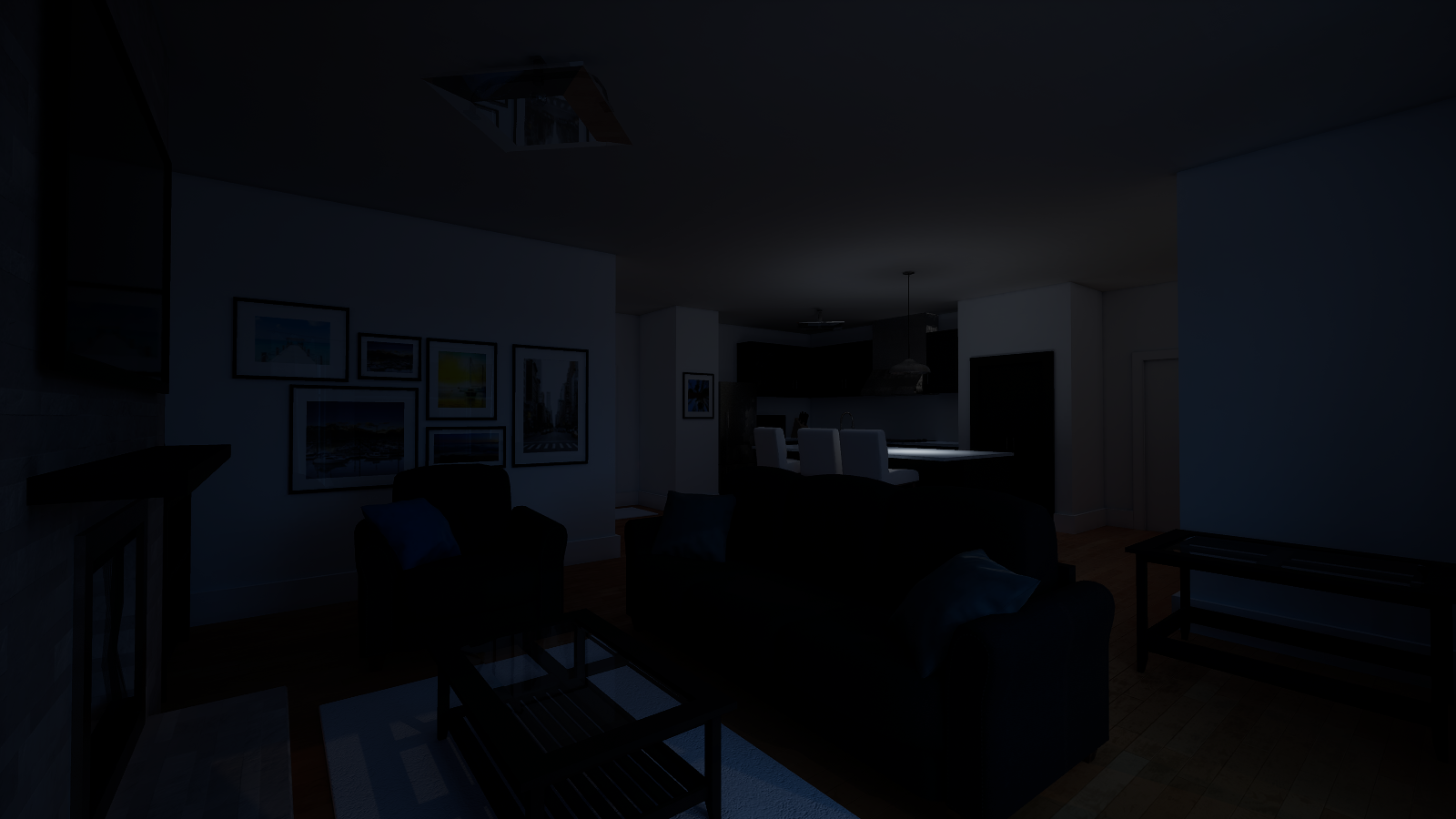
Studio's lighting has already been pre-baked with Unreal Engine and therefore cannot be adjusted in real-time. There are two scenarios of lighting you can choose between:
Water★
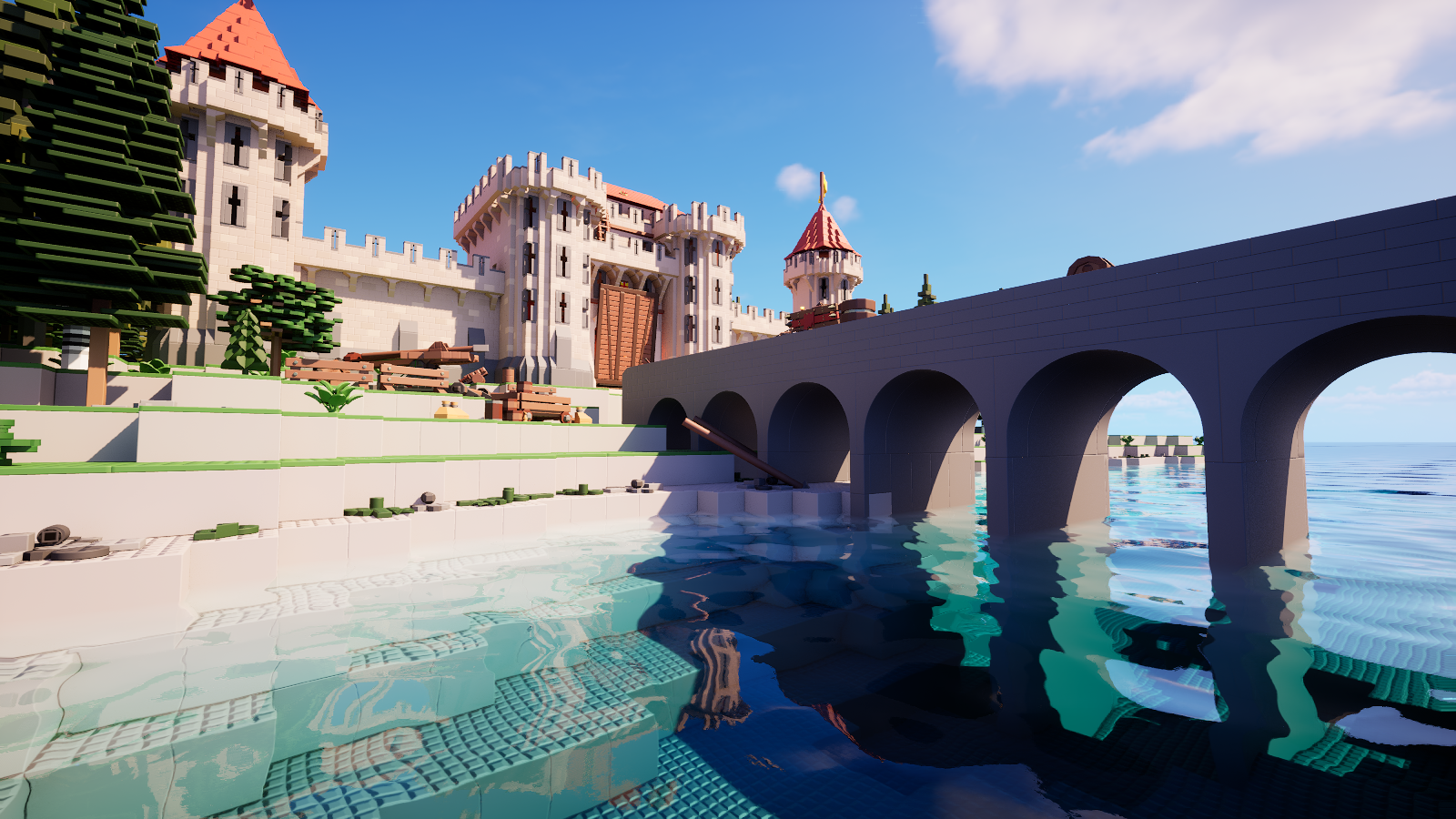
You can have swimmable water globally and configure it to kill players upon contact in minigames. There are also various parameters that you can customize with water to give it a dirty or toxic water like-appearance.
- Height: The height of the water
- Color Absorption: How much color the water absorbs
- Scattering: How much scattering for each color is applied on the water surface
- Fog Intensity: The intensity of the fog
- Fog Ambient Color: The ambient/primary color of the fog
- Fog Ambient Strength: The strength of the ambient/primary color for the fog
- Fog Scattering Color: The scattering/secondary color of the fog
- Fog Scattering Strength: The strength of the scattering/secondary color for the fog
Height★
Water height in plates. Depending on the size of the world you're building, the water height requirement may be vastly different across a variety of worlds.
The maximum possible water height in all the maps that share this environment setting is 5,000 plates.
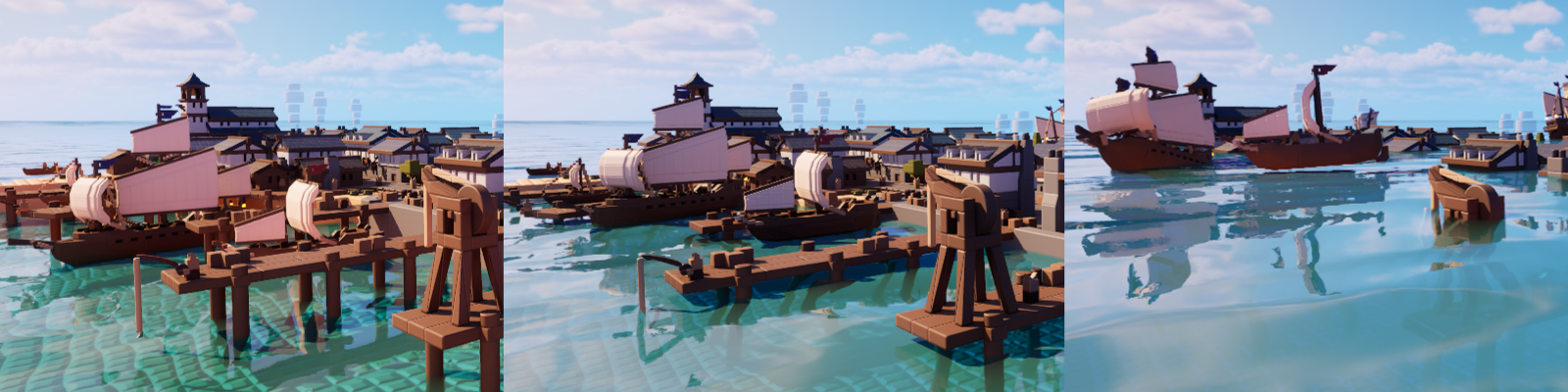
Various water heights at a small build's scale
Color Absorption★
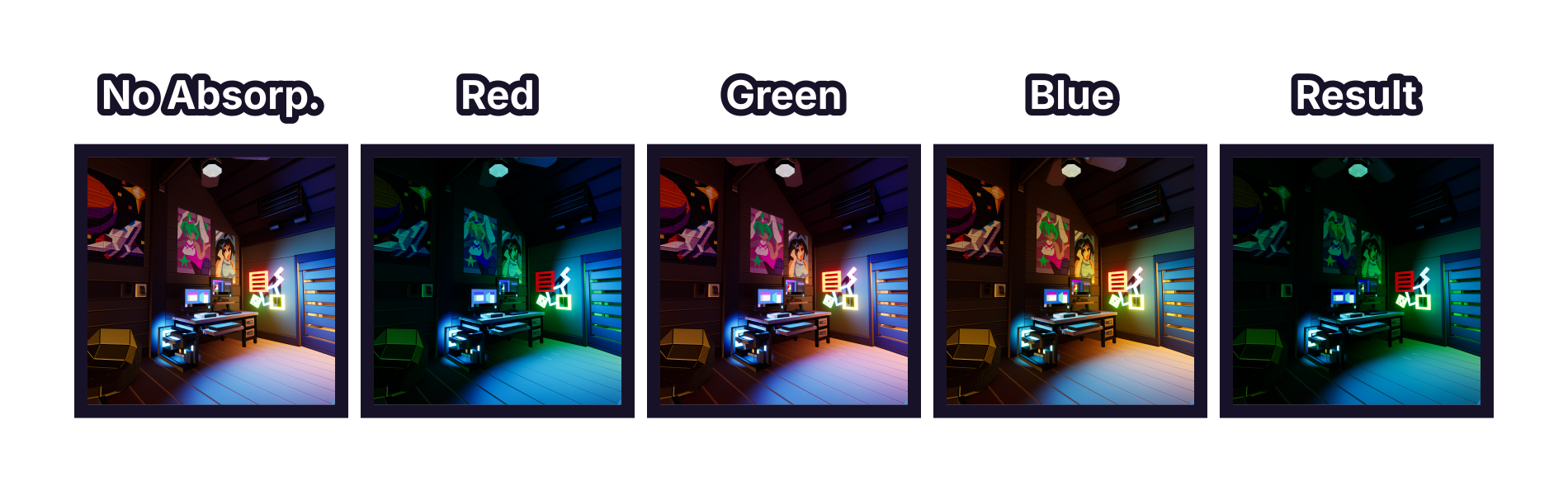
Water color absorption composition illustrated with layers
How much light is taken away in the water. In simpler words, these values determine how much each color channel is obstructed through the water.
These values are subtractive, so a higher color absorption value means less of that color channel will be able to be seen through the water, and vice versa.
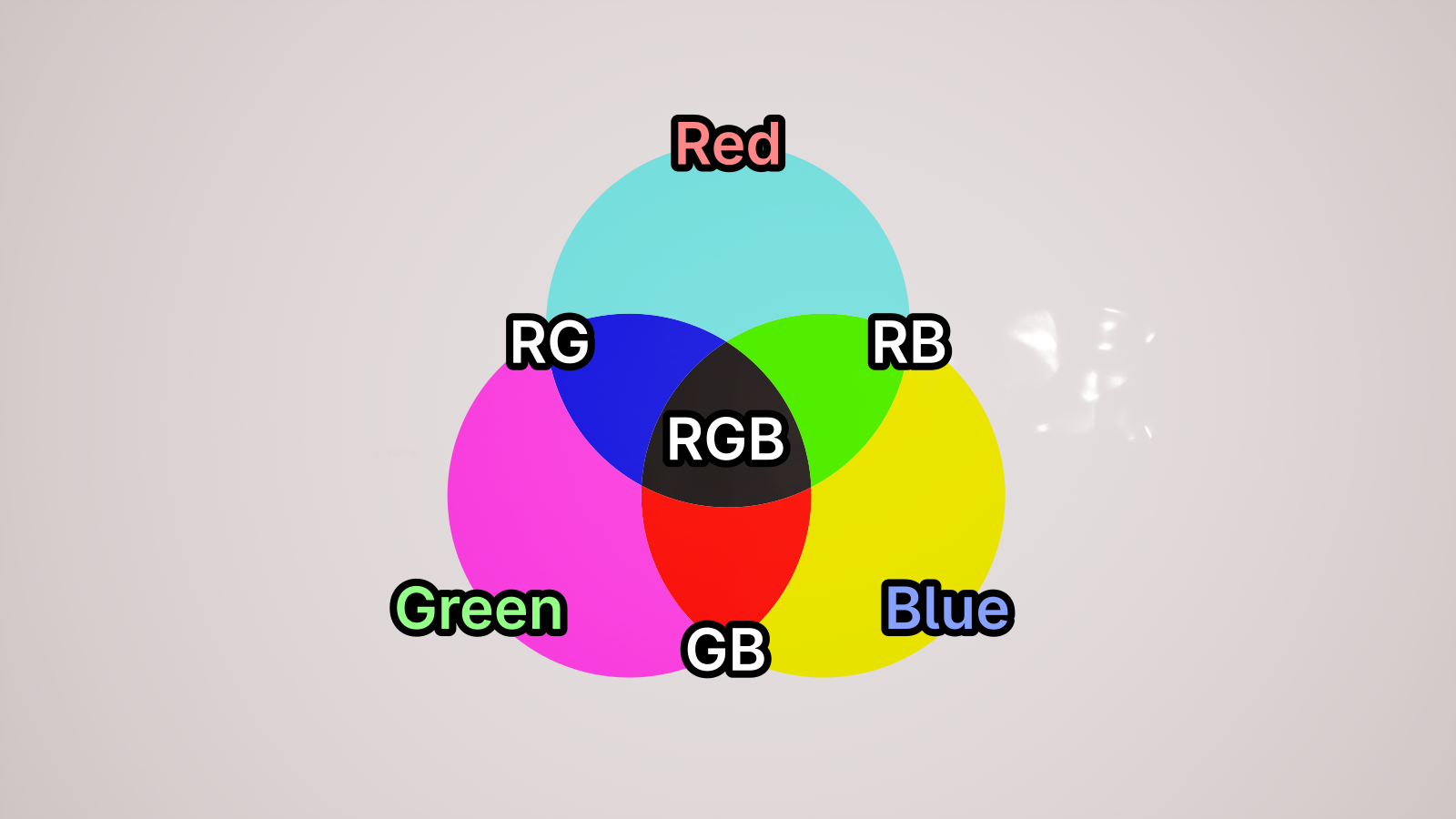
Water color absorption illustrated on white ground
Color absorption will also determine where the color channel gradually fades in the player's view. Higher values will further fade out the color channel in their view.
It's recommended to hold Left Ctrl while holding the slider for this parameter, as that will allow you to fine tune this parameter.
Scattering★
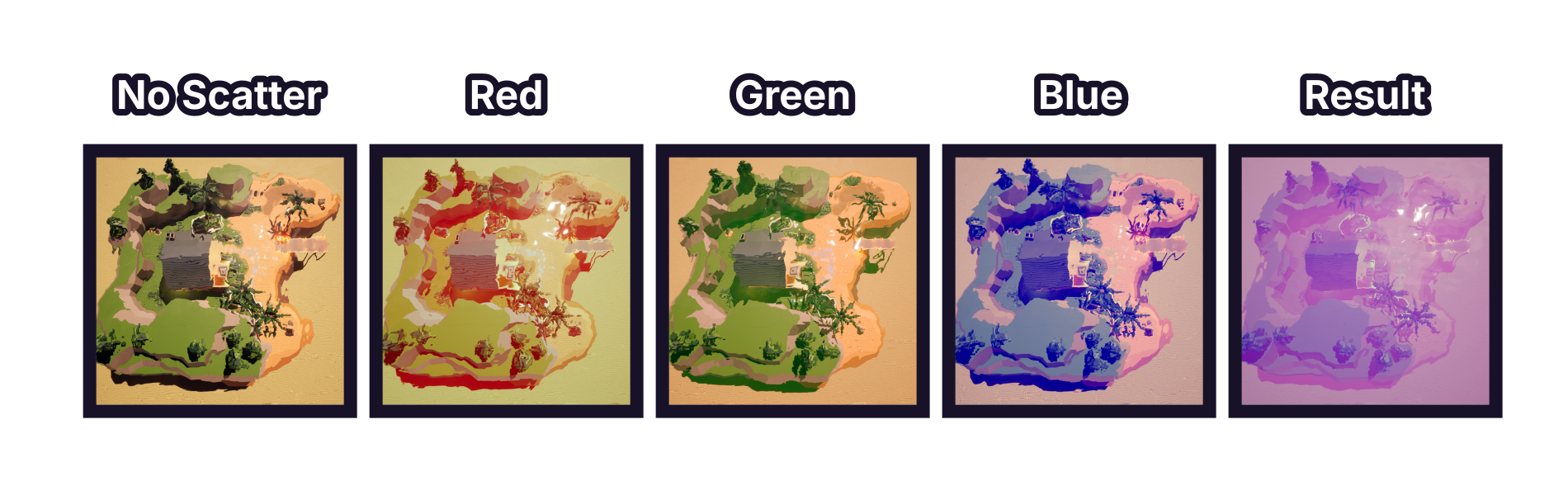
Water scattering composition illustrated with layers
Scattering will only affect the appearance of the water's surface. You can make it as muddy or as clean on the surface as much as possible.
Scattering is additive. It allows you to control how much scattering each color gets on the water surface. The higher the scattering value is for a color, that color will spread more across the water surface.
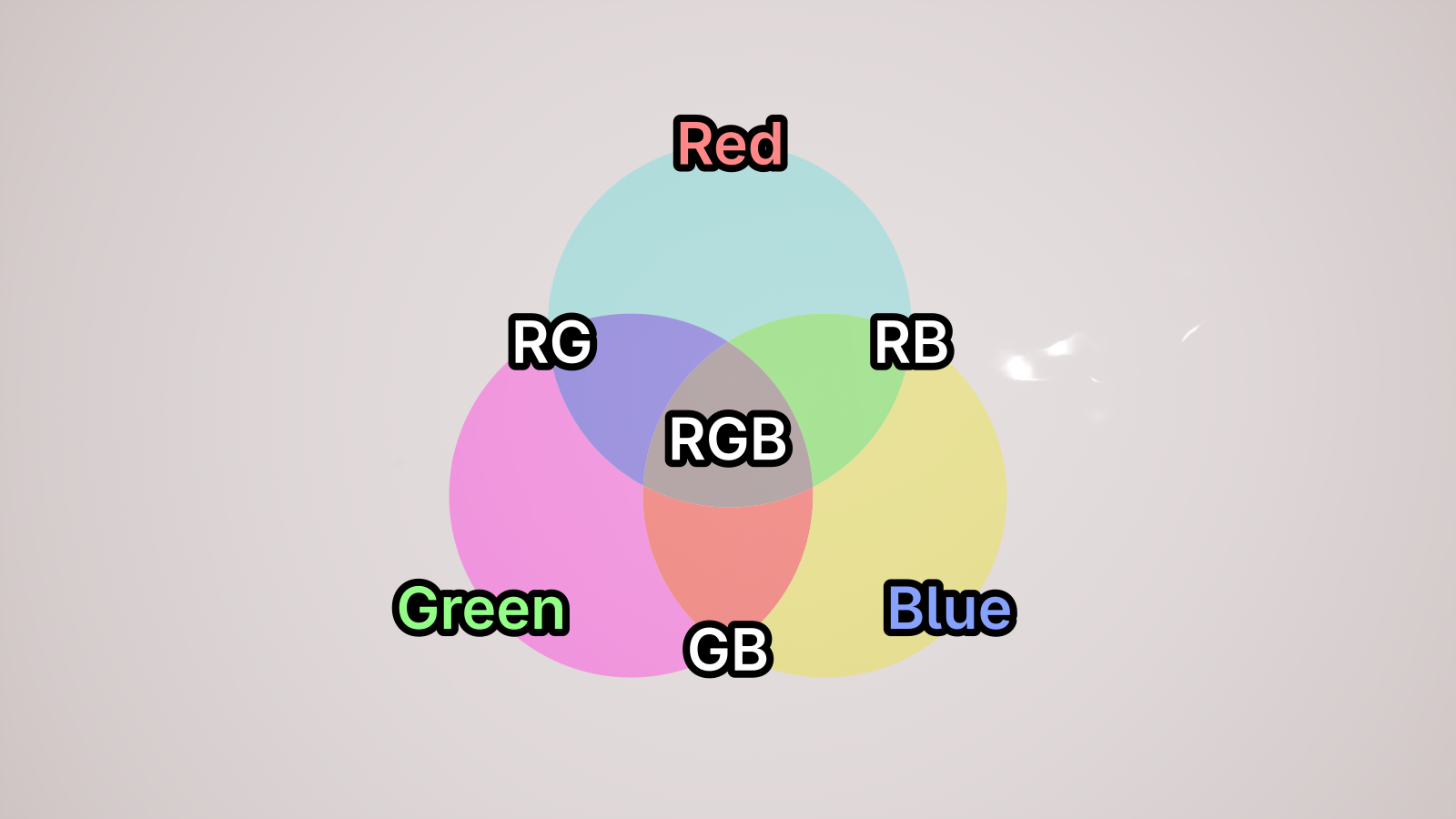
Water scattering illustrated on white ground
It's recommended to hold Left Ctrl while holding the slider for this parameter, as that will allow you to fine tune this parameter.
Fog (underwater)★
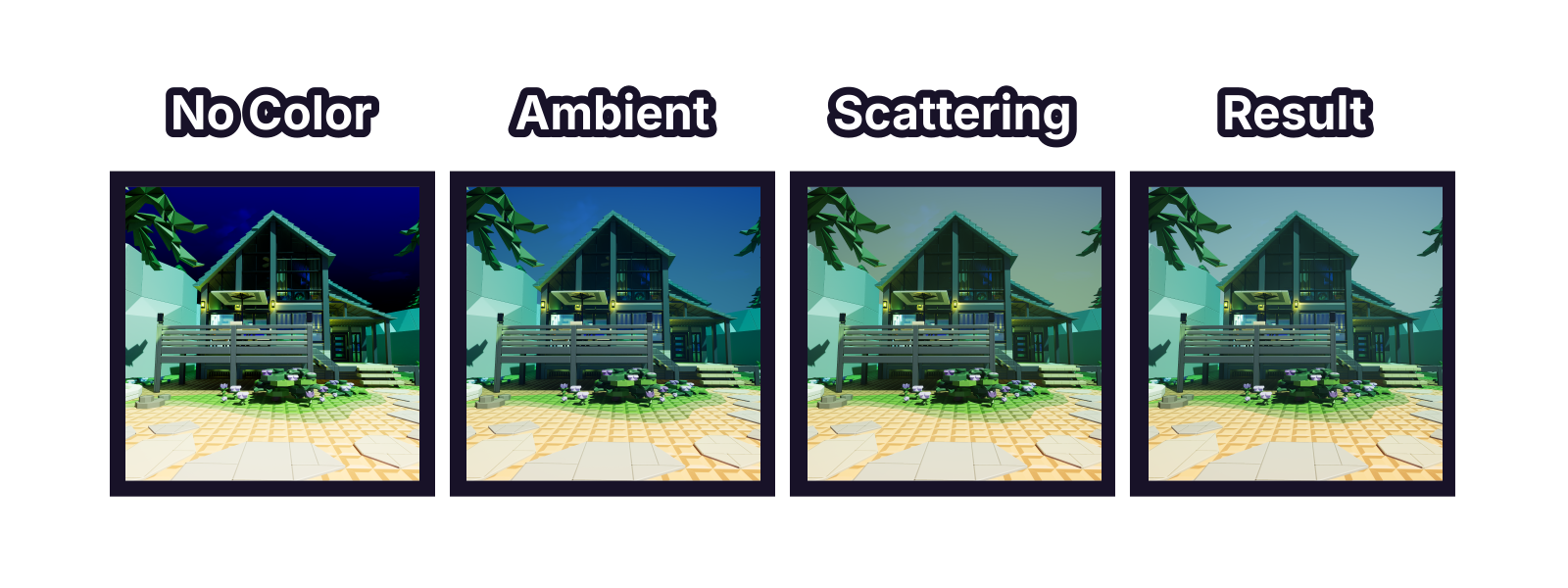
Underwater fog composition illustrated with layers
Fog Intensity★
The intensity value of the underwater fog. The more intense the fog is, the harder it is to see far-away objects.
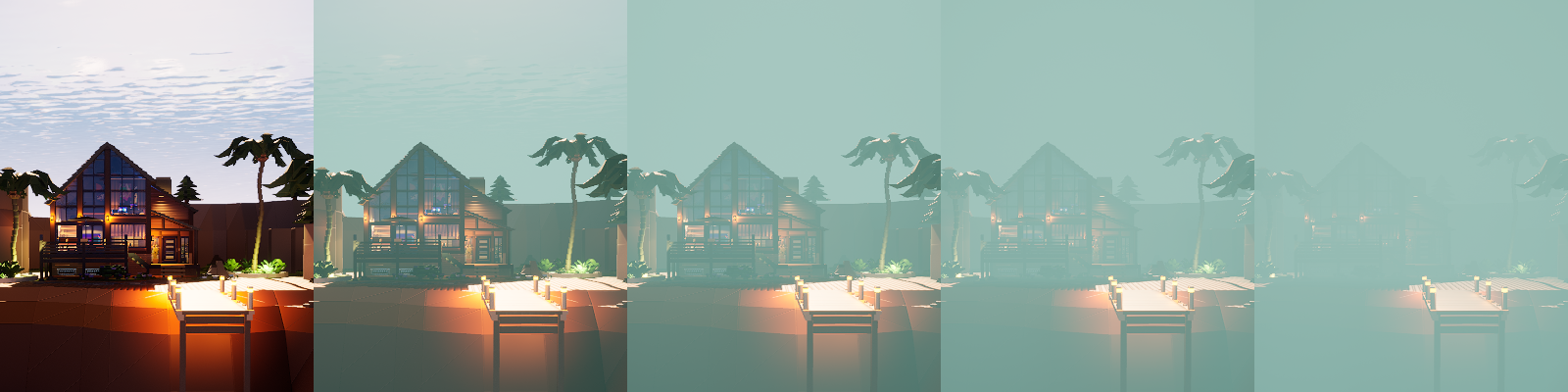
Various fog intensity values in order:
0, 0.0002, 0.0005, 0.001, 0.002
Fog Ambient Color★
The base color of the underwater fog. It will not be affected by lighting from the sun or moon.
Examples below are at 100% fog ambient strength.
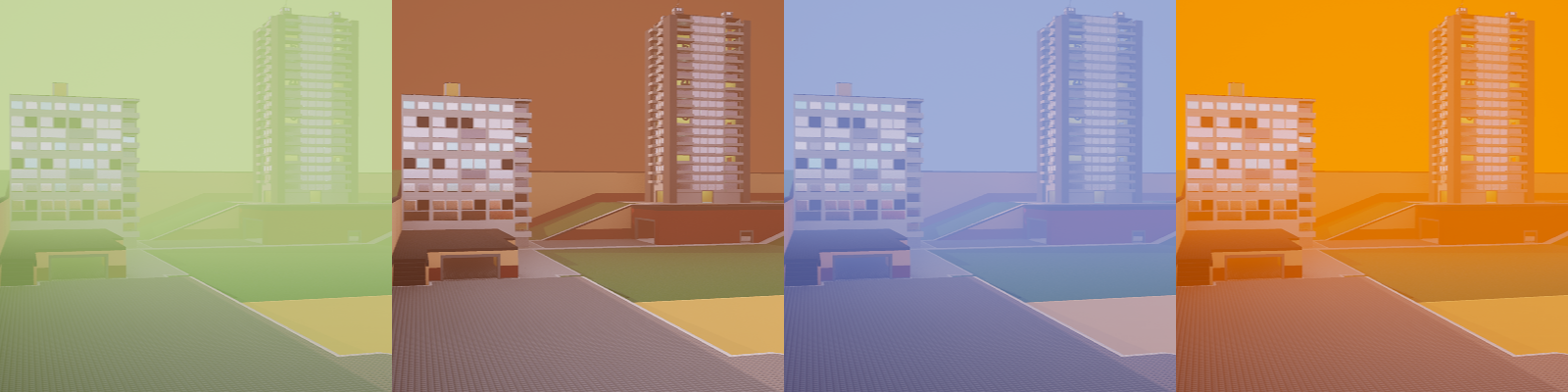
Various fog ambient colors with the following hex codes:#BBE195, #7C503F, #8599EF, #FF8100
Fog Ambient Strength★
The strength of the underwater fog's ambient color.
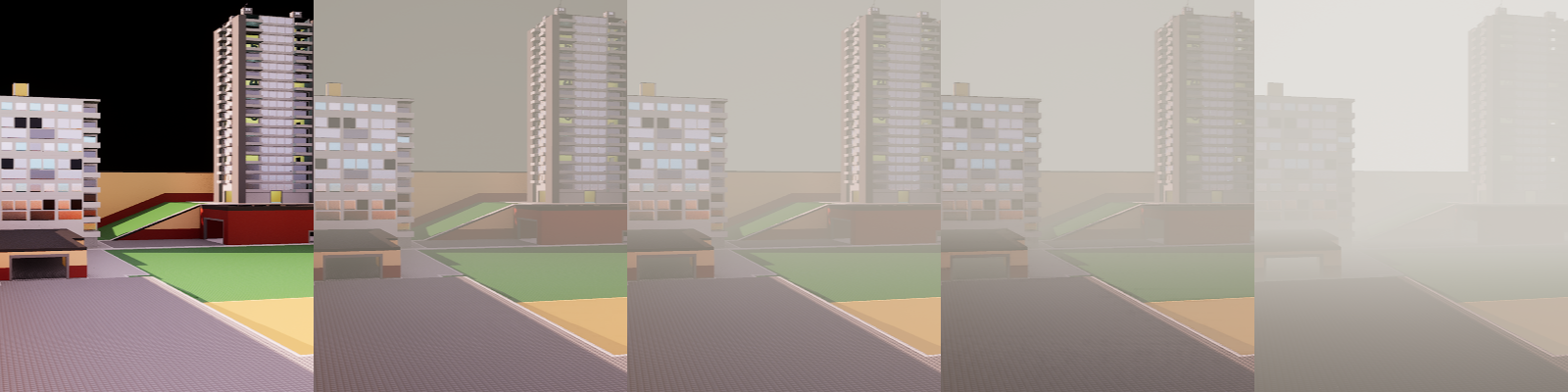
Various fog ambient strength values in order:
0%, 25%, 50%, 100%, 400%
Fog Scattering Color★
The scattering color of the underwater fog. The fog will be tinted with this color. Scattering is affected by the sun and moon's lighting, and the scattering color will be brighter around them.
Examples below are at 100% fog scattering strength.
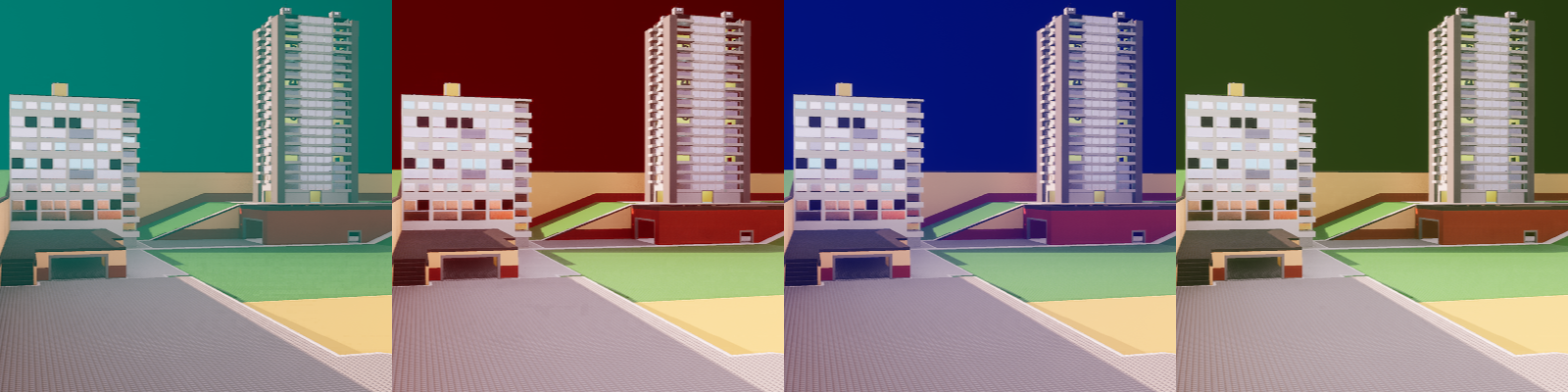
Various fog scattering colors with the following hex codes:#40FFFC, #B20500, #4268FF, #63864A
Fog Scattering Strength★
The strength of the underwater fog's scattering color.
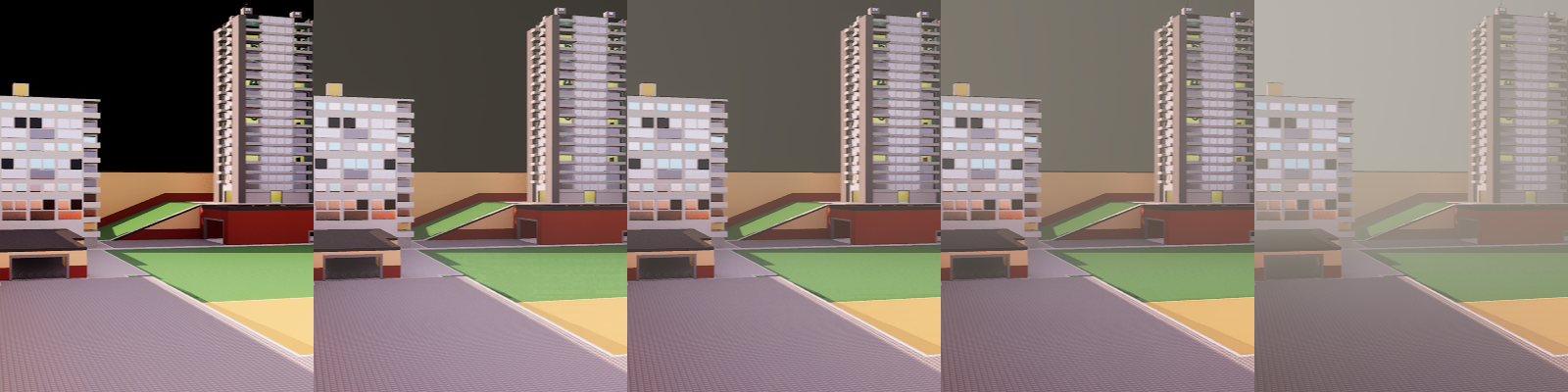
Various fog scattering strength values in order:
0%, 25%, 50%, 100%, 400%
Secrets in Studio★
This is a list of secrets in the Studio map. The map has been relatively unchanged since its original release.
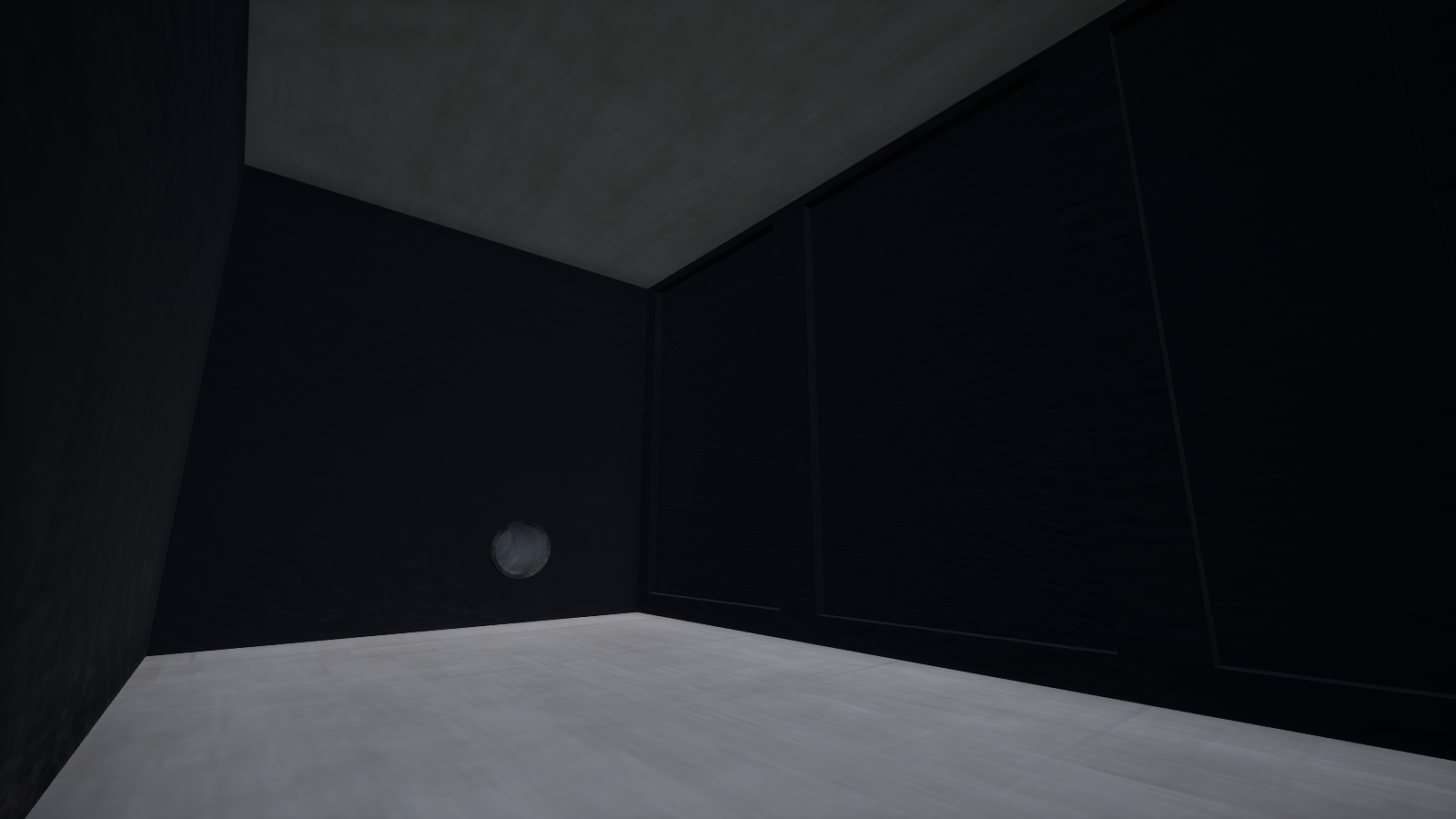
Secret 1
Hint: Down the drain
There is a room under the sink.
To access this, you must hit the drain cover or shoot the drain cover with a weapon.
Beyond the drain cover lies the pipes that will take you to the room inside the cabinet.
Secret 2
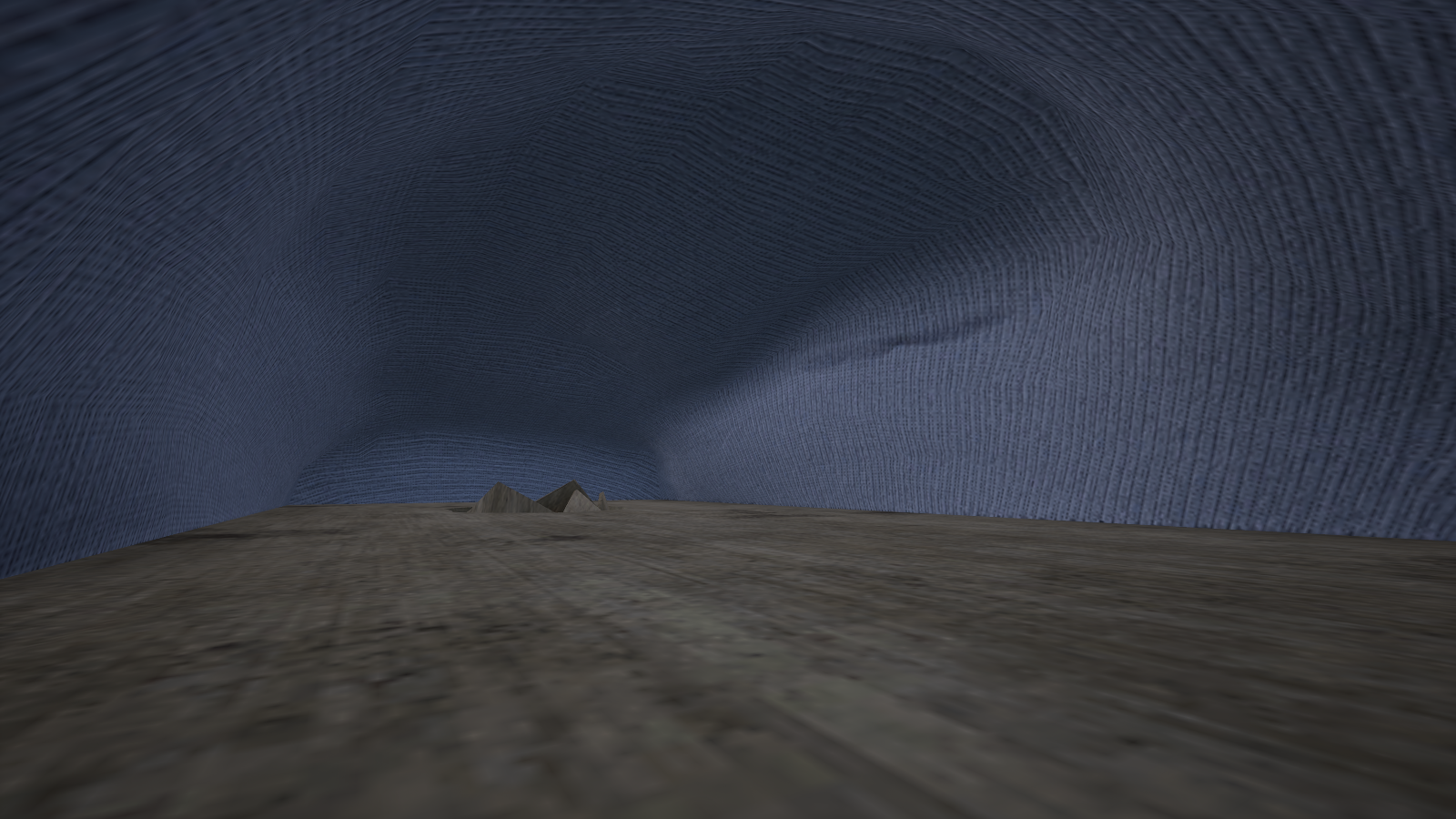
Hint: A sofa
The long sofa has a hole under it that leads you to the inside of it.
Secret 3
Hint: Something out of place in the kitchen
Above the wall cabinets you can see a vitamin gummy bottle.
Behind that gummy bottle is a passage to inside of the cabinet with large doors.