Space★
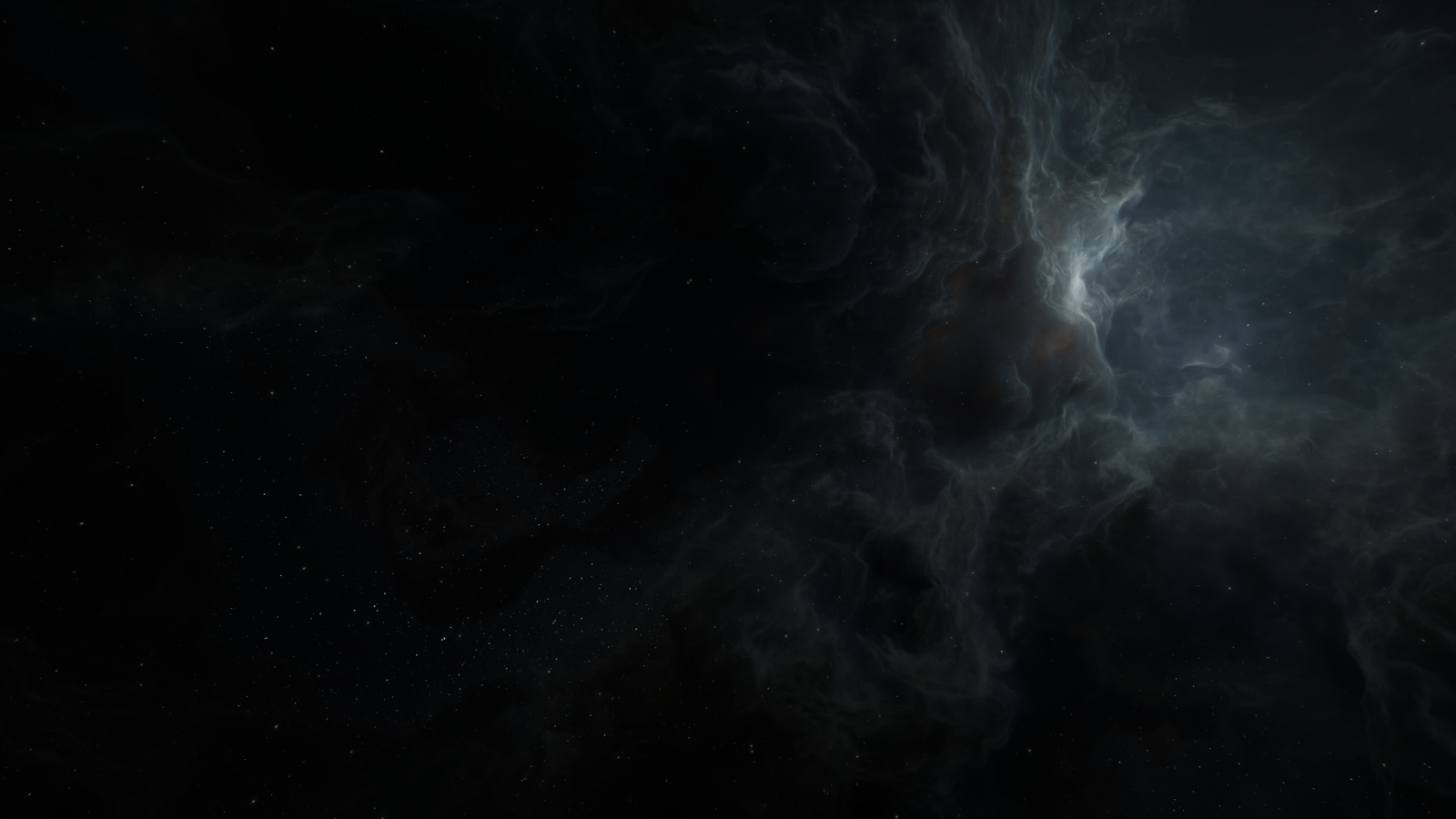
The Space environment is a perfect fit for intergalactic worlds, spaceships and so much more that you can possibly fit in a universe. This is also the only map that doesn't force you to have a ground.
Universe★
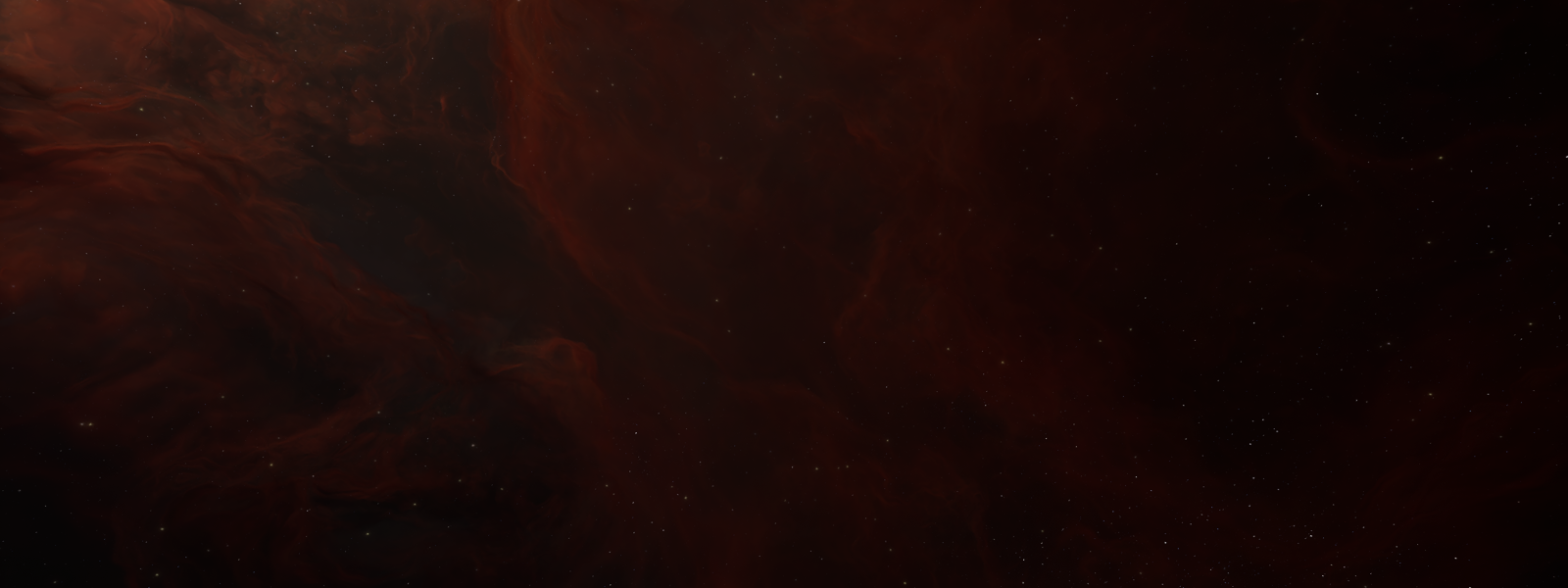
The entirety of the Space environment.
| Setting | Min/Max Value | Description |
|---|---|---|
| Rotation | Rotation | The rotation of the environment, including nebulae, near stars and far stars. |
| Light Color | Color | The direct light's color |
| Light Intensity | 0% - 10000% | The direct light's intensity |
| Ambient Color | Color | The ambient light's color |
| Ambient Intensity | 0% - 10000% | The ambient light's intensity |
| Gravity Scale | 0 - 1000% | The contrast between the light and dark areas of the nebula's colors |
| Invisible Floor | False/True | Adds a collider to the bottom of the environment |
Nebula★
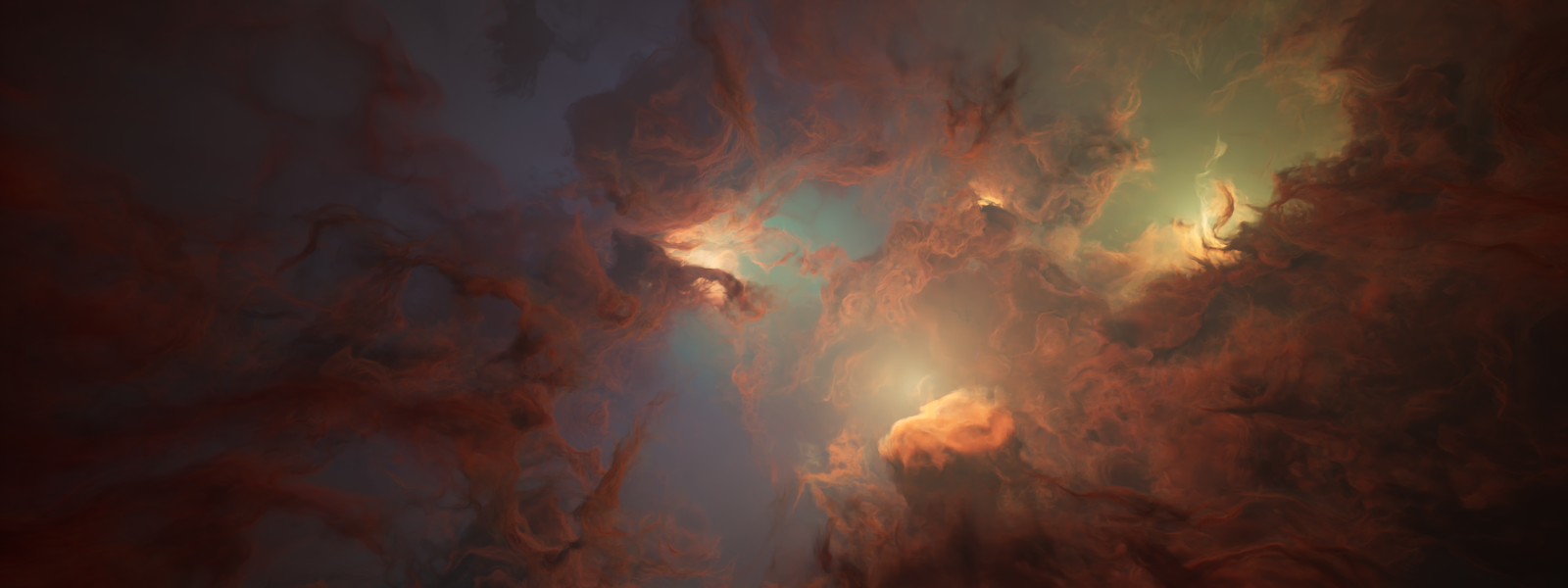
The cloud-like appearance of gas particles that appear in the environment.
| Setting | Min/Max Value | Description |
|---|---|---|
| Texture | Image | The image used for the near stars' texture |
| Color Tint | Color | Setting for recoloring the nebula |
| Color Swap | 0% - 100% | Controls how much the red color channel swaps with the blue color channel of the nebula's colors |
| Saturation | 0% - 100% | The saturation of the nebula's colors |
| Contrast | 1-2 | The contrast between the light and dark areas of the nebula's colors |
| Brightness | 0% - 10000% | The brightness of the nebula |
Near Stars★
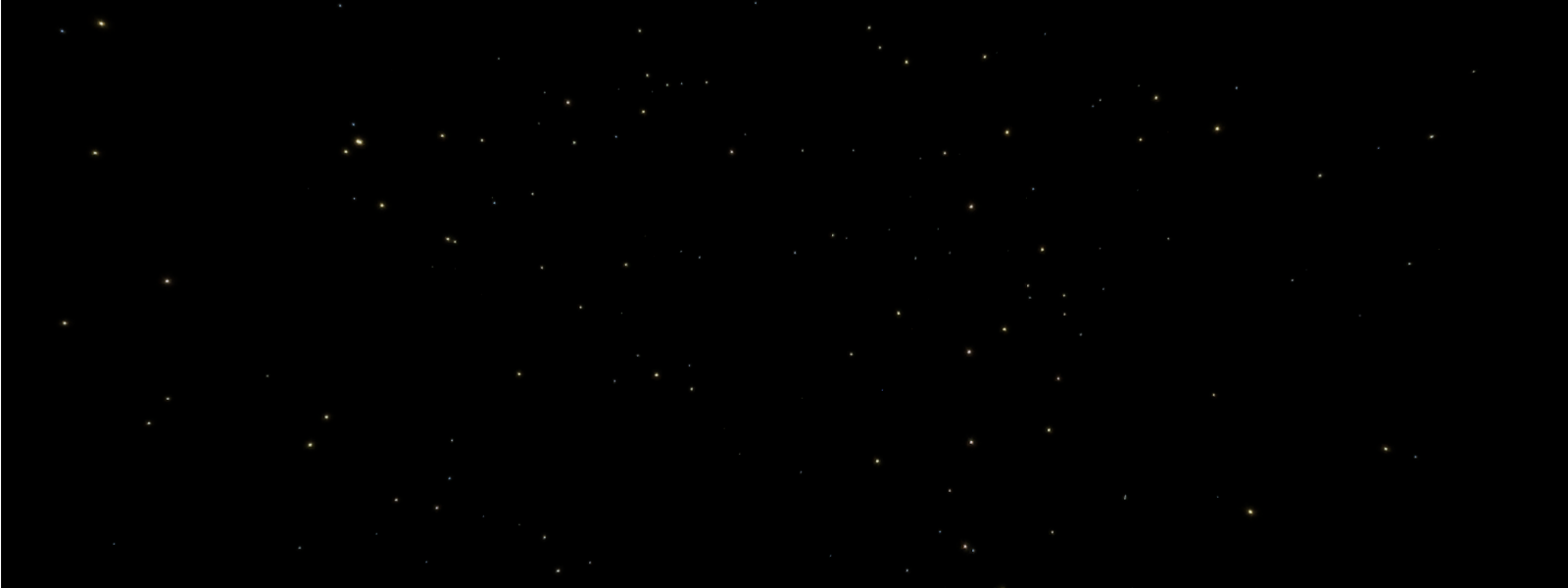
The stars that are seen from lower distances. They appear bigger than far stars in the environment.
| Setting | Min/Max Value | Description |
|---|---|---|
| Texture | Image | The image used for the near stars' texture |
| Contrast | 1-2 | The contrast between the light and dark areas of the near stars |
| Brightness | 0% - 10000% | The brightness of the near stars |
Far Stars★
The stars that are seen from higher distances. They appear smaller than near stars in the environment.
| Setting | Min/Max Value | Description |
|---|---|---|
| Texture | Image | The image used for the far stars' texture |
| Contrast | 1-2 | The contrast between the light and dark areas of the far stars |
| Brightness | 0% - 10000% | The brightness of the far stars |
Ambience★
Server-wide settings for ambient sound and reverb. Everyone will be able to hear the ambience of the environment.
Ambience track★
The individual track for the global ambience. You can only have one ambience track.
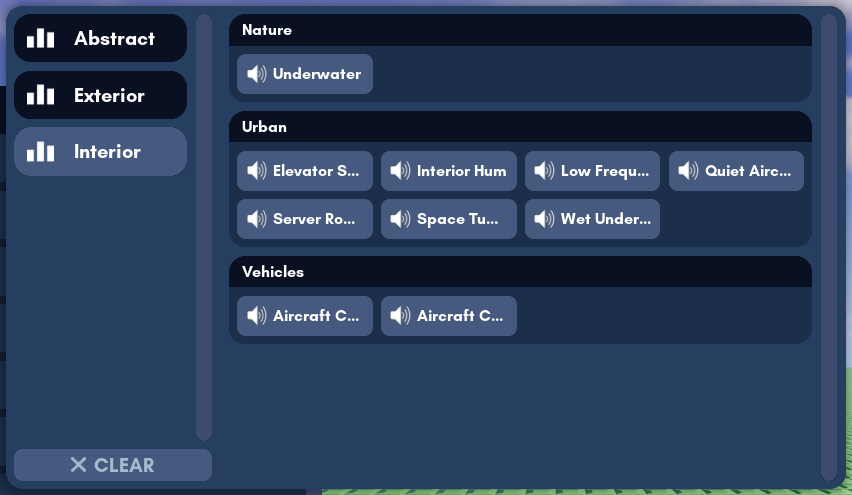
Hover over an ambience track's name to hear a sample. Once you've decided on an ambience track, click on it to select it as the global ambience track.
Click the Clear button in the drop-down menu to remove the global selected ambience track. This will only leave the background wind sounds as the main ambient sound.
Ambience Volume★
The volume of the global ambience, from 0% to 100%. You will be unable to use this option without an ambience track selected.
Reverb Effect★
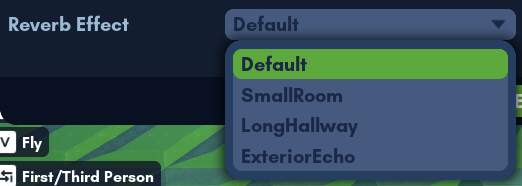
The reverb effect preset to apply globally.