Resizer★
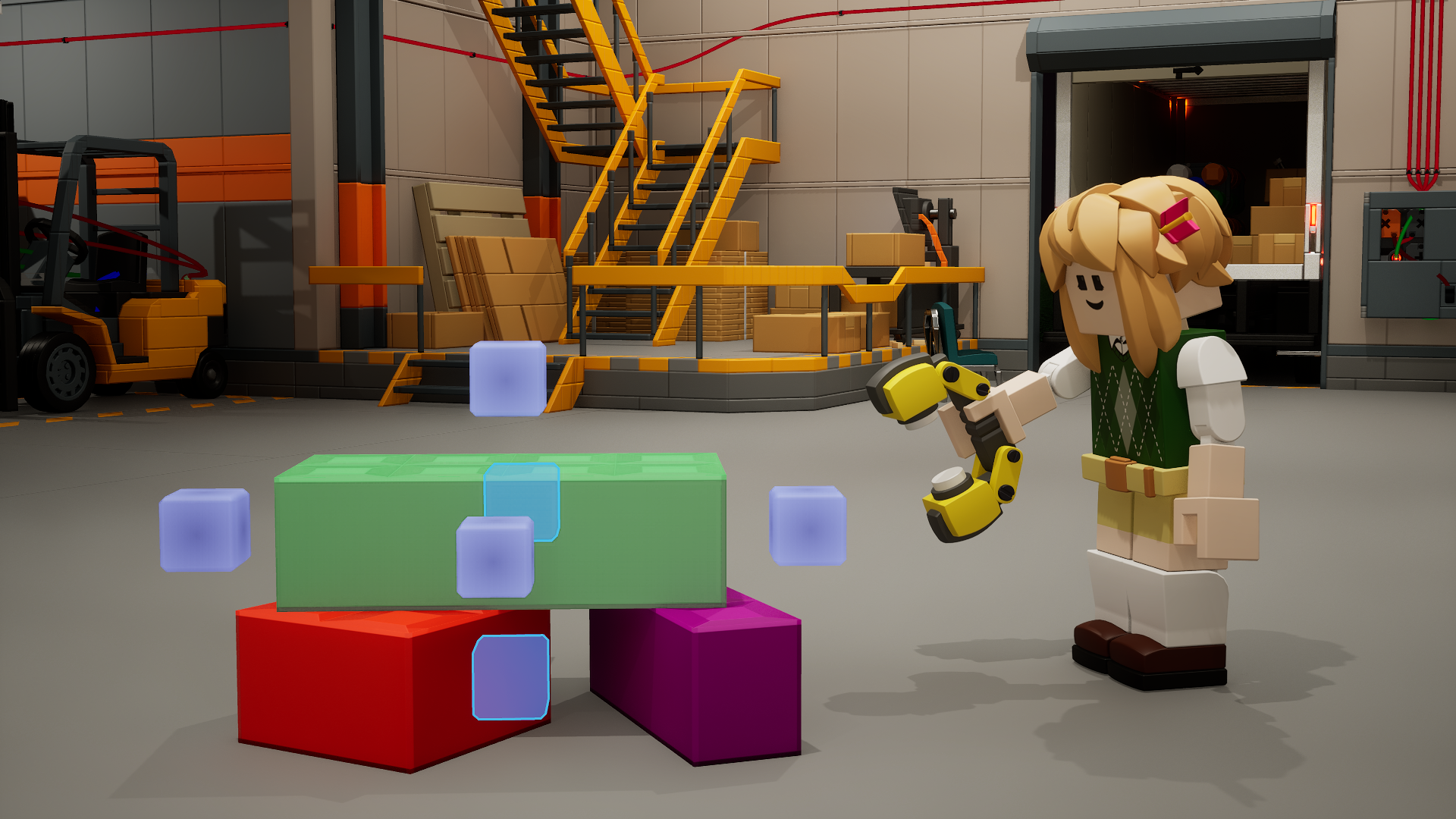
The Resizer can be used to resize bricks and inspect their names.
Entities not supported
The Resizer is not functional with entities yet! Currently, the size of an individual entity is controlled through its own Applicator parameter.
Equipping the Resizer★
There are two ways to equip the Resizer.
Through a keybinding★
The Resizer's default equip keybind is N. You can change this in the Options menu.
Through the Tool Wheel★
Hold G to access the Tool Wheel. This temporarily frees your mouse.
Drag your cursor to the right side of the tool wheel.
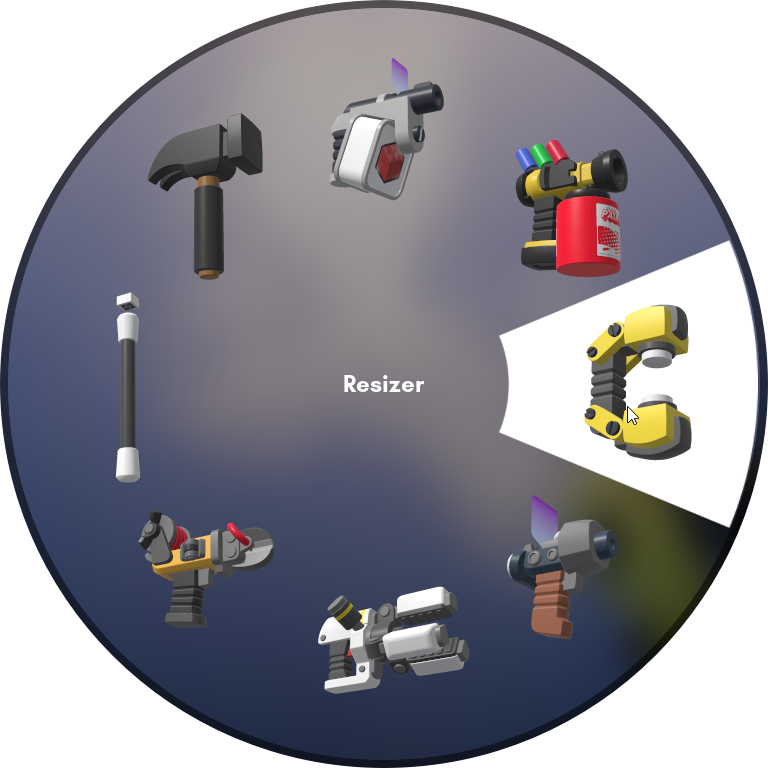
Resizer on the right side of the Tool Wheel
Release G to equip the Resizer.
Resizing bricks★
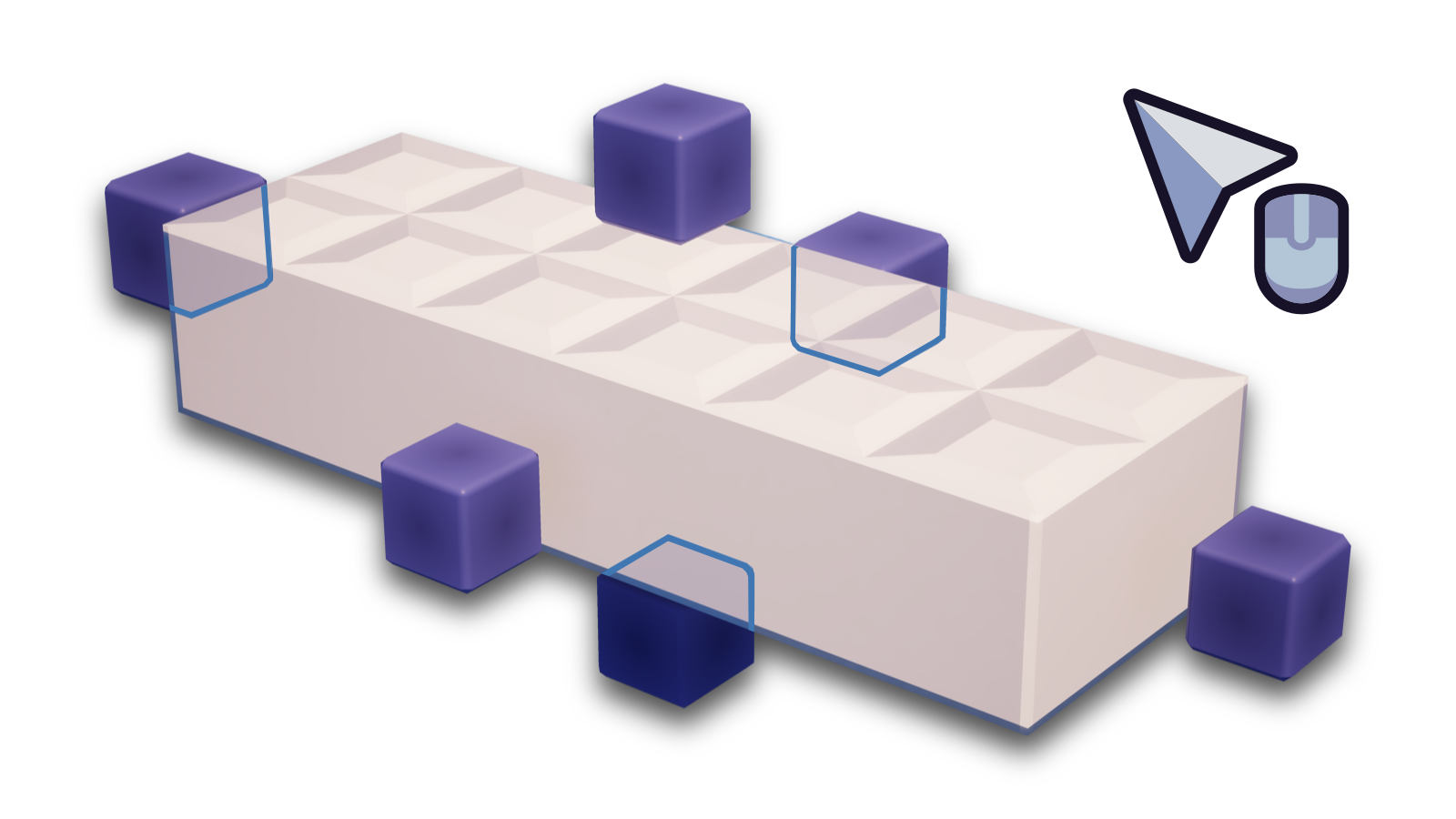
You can select a brick with the Resizer by clicking on it.
There are 6 gizmos overall which correspond to the directions you can resize the brick in.
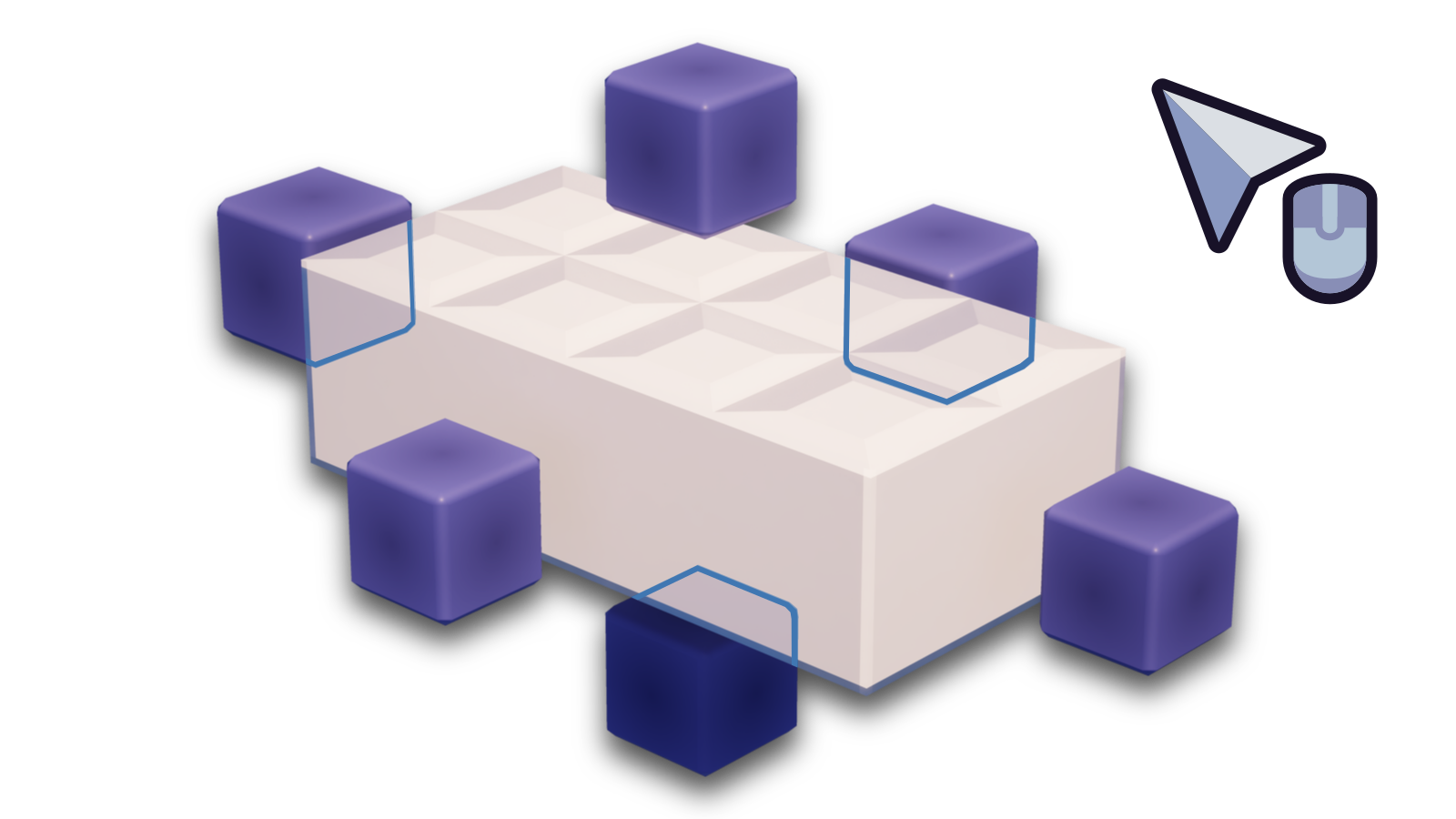
Hold the Left Mouse Button on one of the gizmos themselves and drag your mouse to resize the brick in that direction.
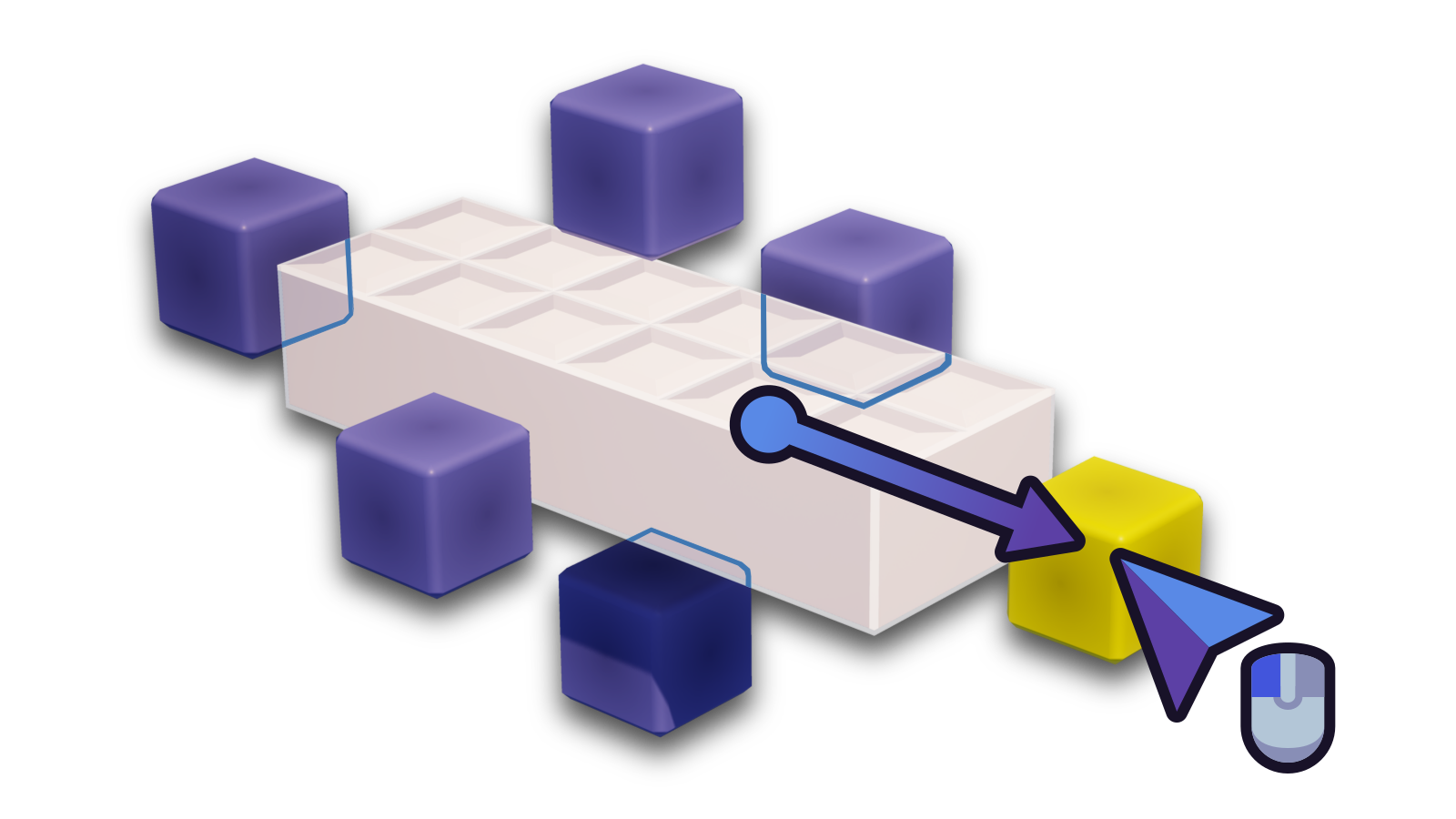
Once you are done resizing on a specific gizmo, release the Left Mouse Button.
Maximum Resize★
Maximum resizing allows you to lengthen or enlarge bricks easily in one or more directions. Maximum resizing can also reach floors, walls or ceilings which is useful if you're building certain structures.
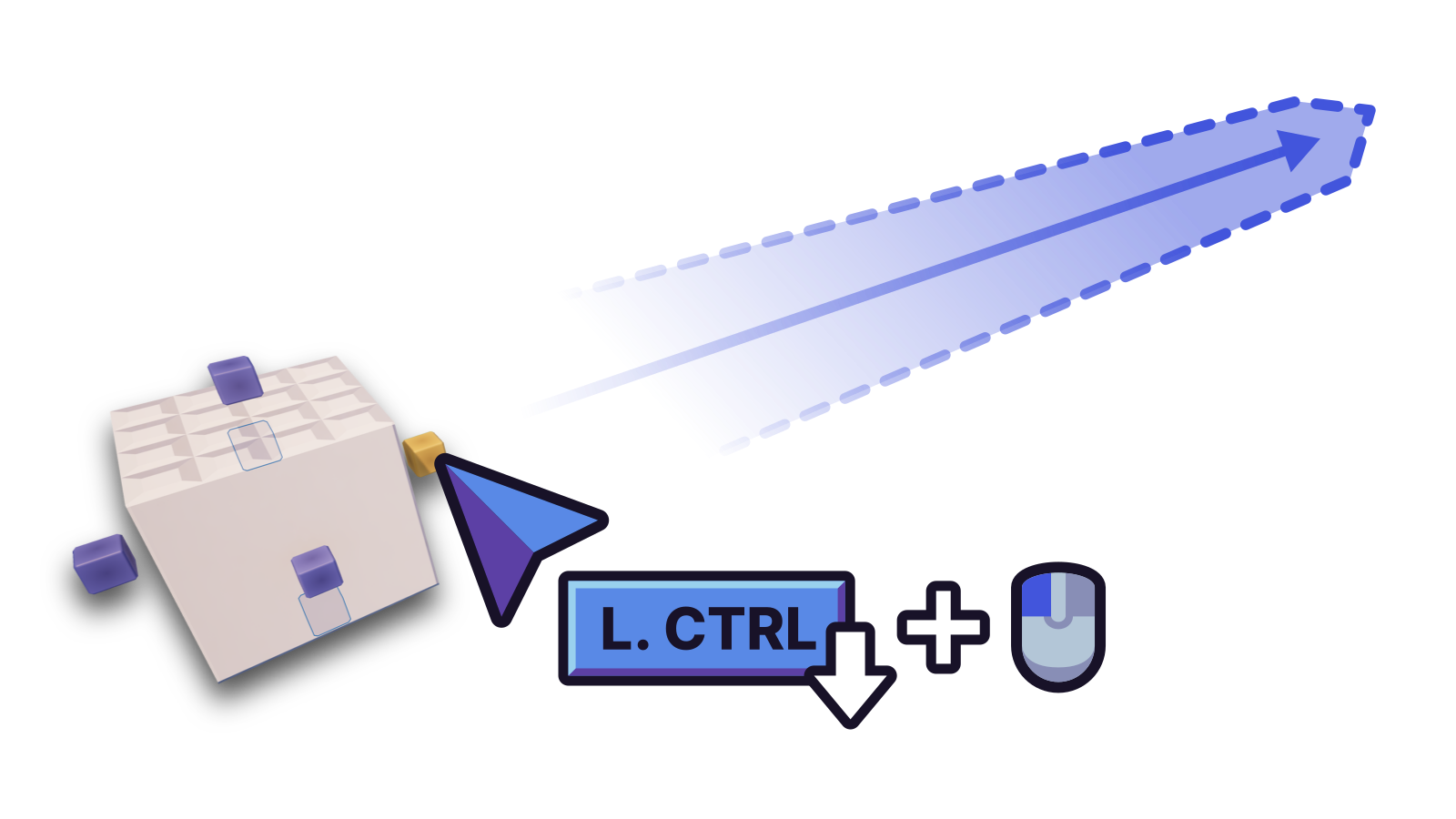
Hold Left Ctrl and click on the handle you're aiming at to lengthen the brick in that direction to the maximum possible size (100 studs or 1,000 micro-units) if nothing's in the way of the brick on the same grid.
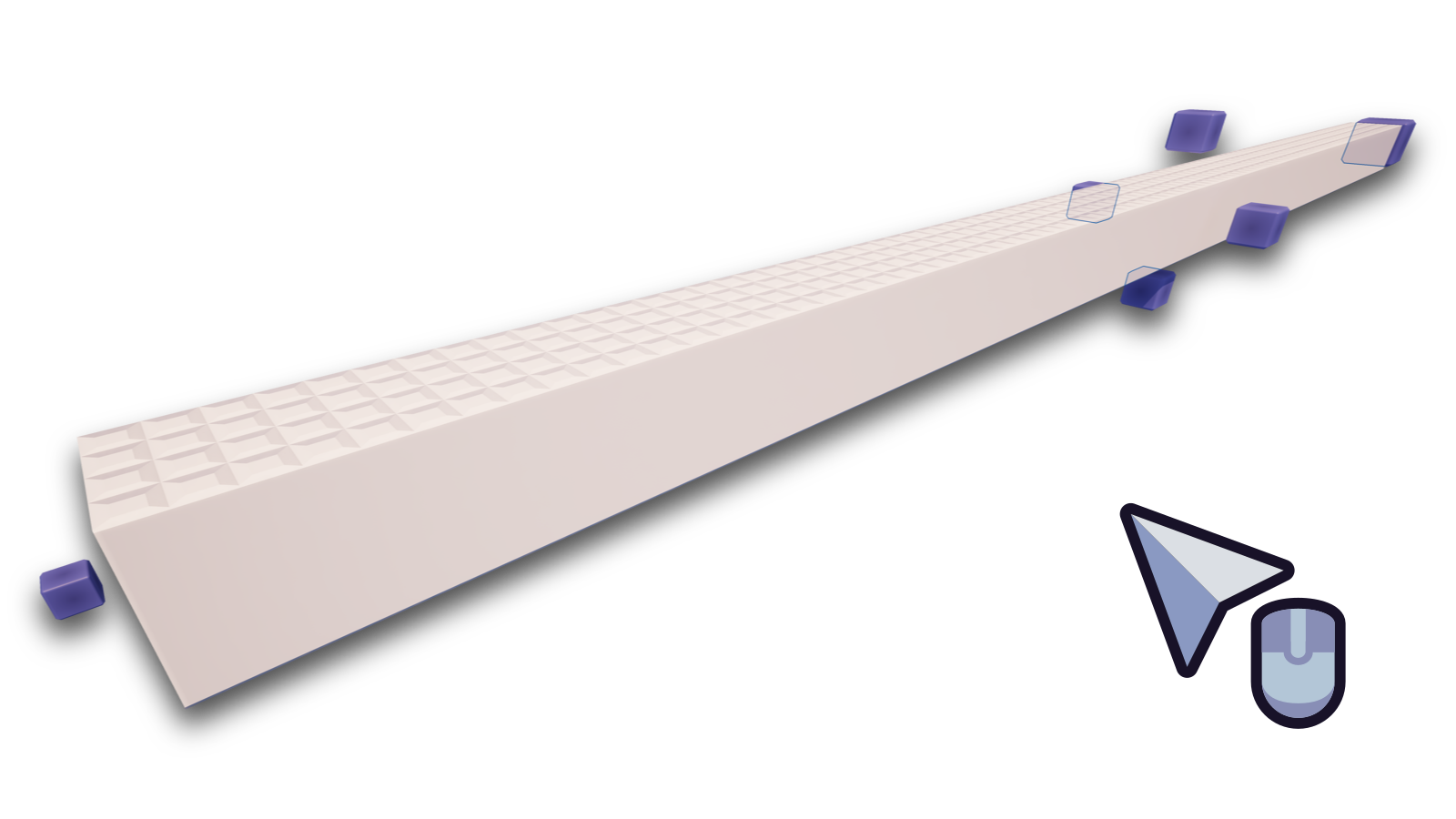
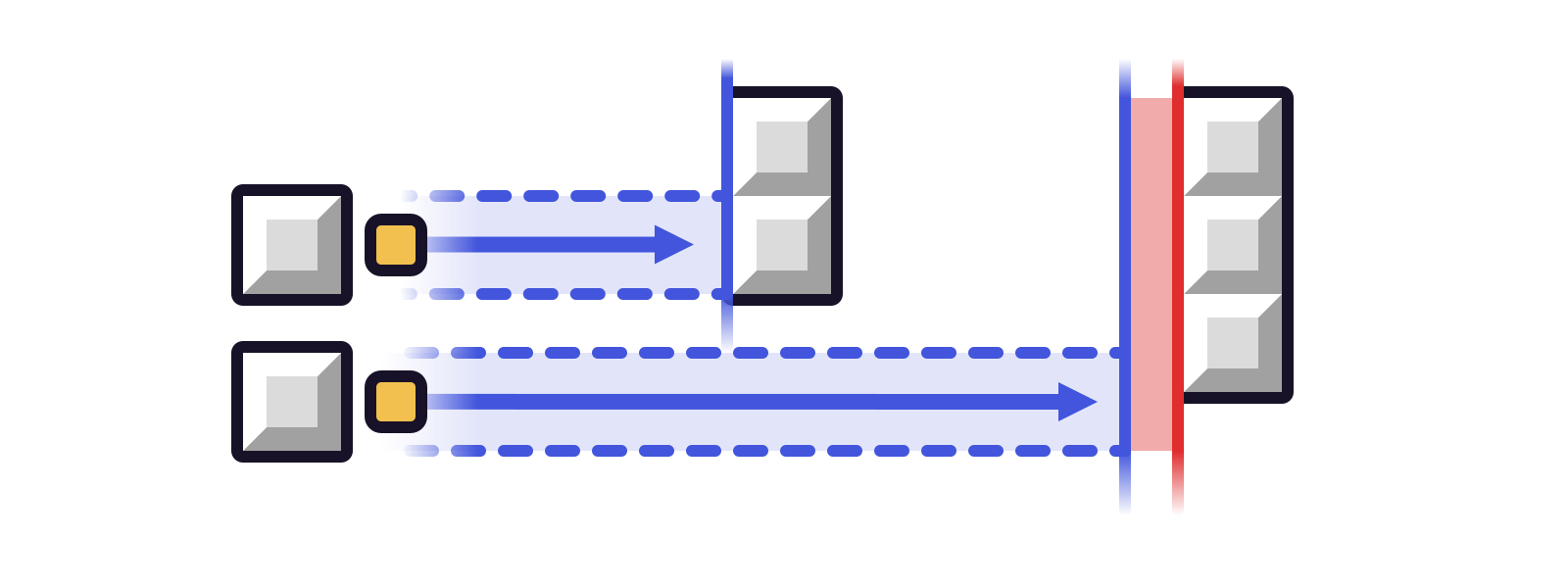
Otherwise, the brick itself might have obstacles on its way, so it will do its best to maximum resize as much as possible if something is blocking its way on the same grid the brick is on.
Minimum Resize★
Minimum resizing offers you an option to shrink bricks instantly down to their smallest size/form.
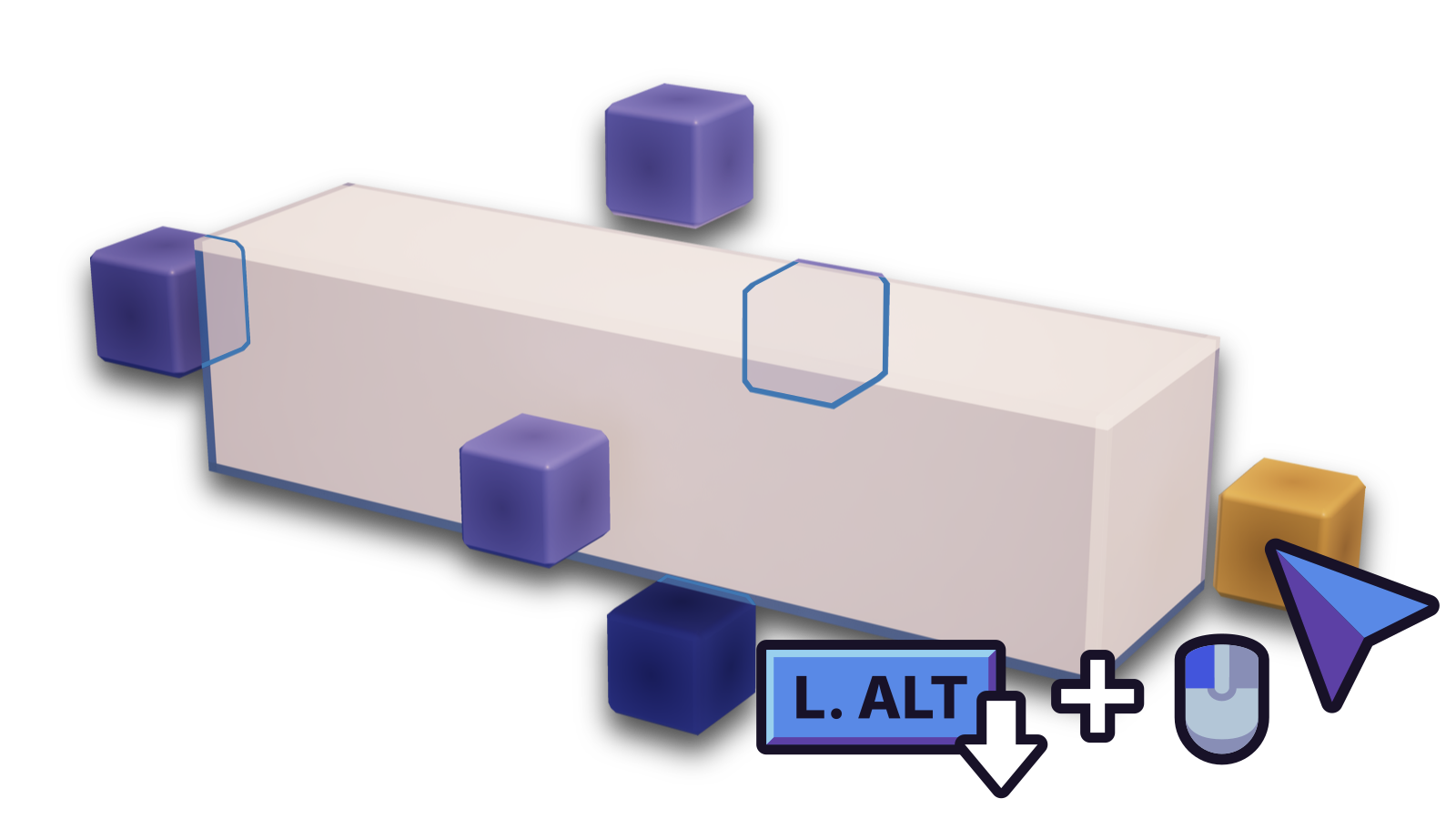
Hold Left Alt and click on the handle you're aiming at to shrink the brick from that direction by the minimum possible size.
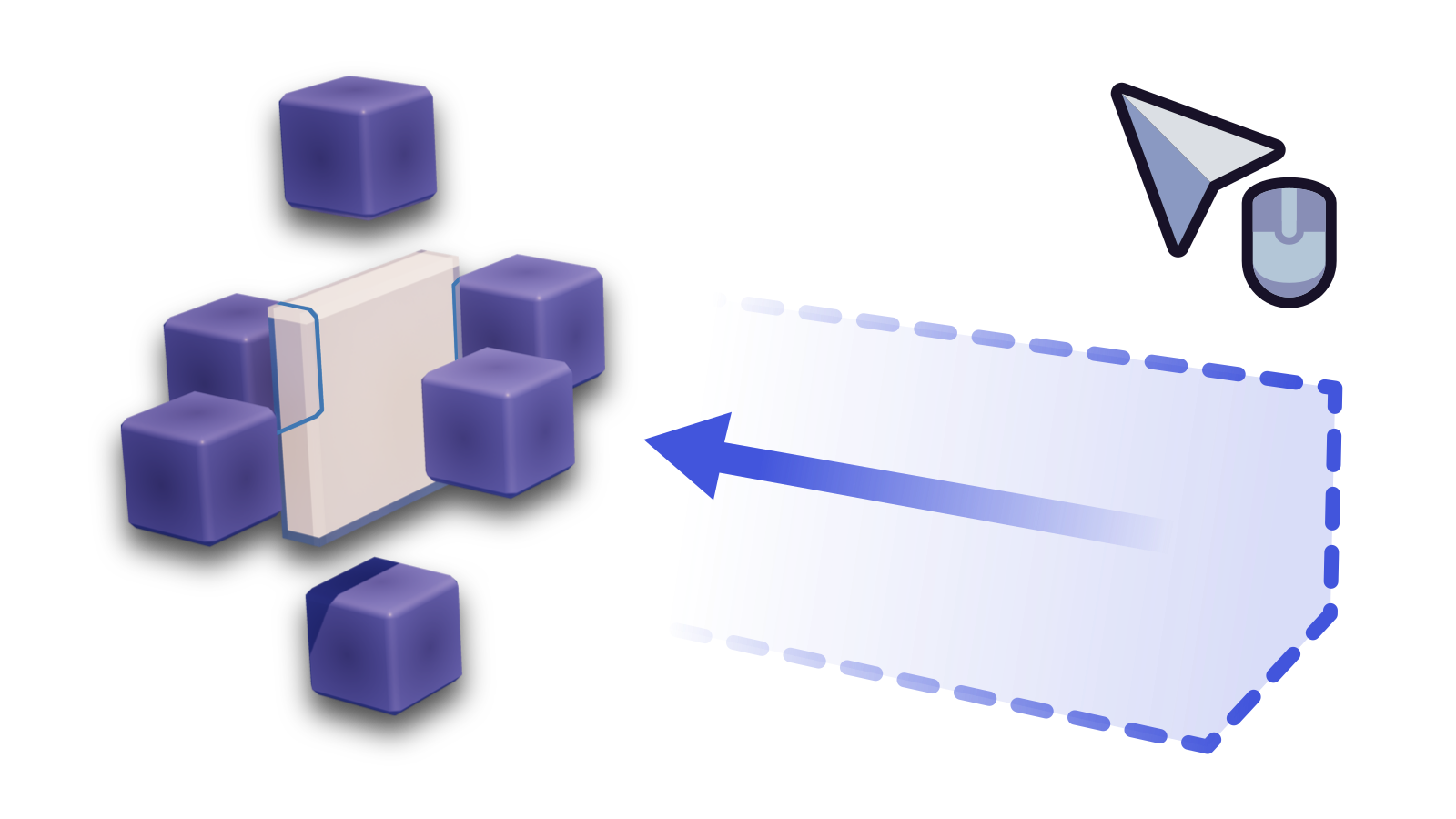
Fetching brick names★
Aim at a brick and middle click to get the full name of it.
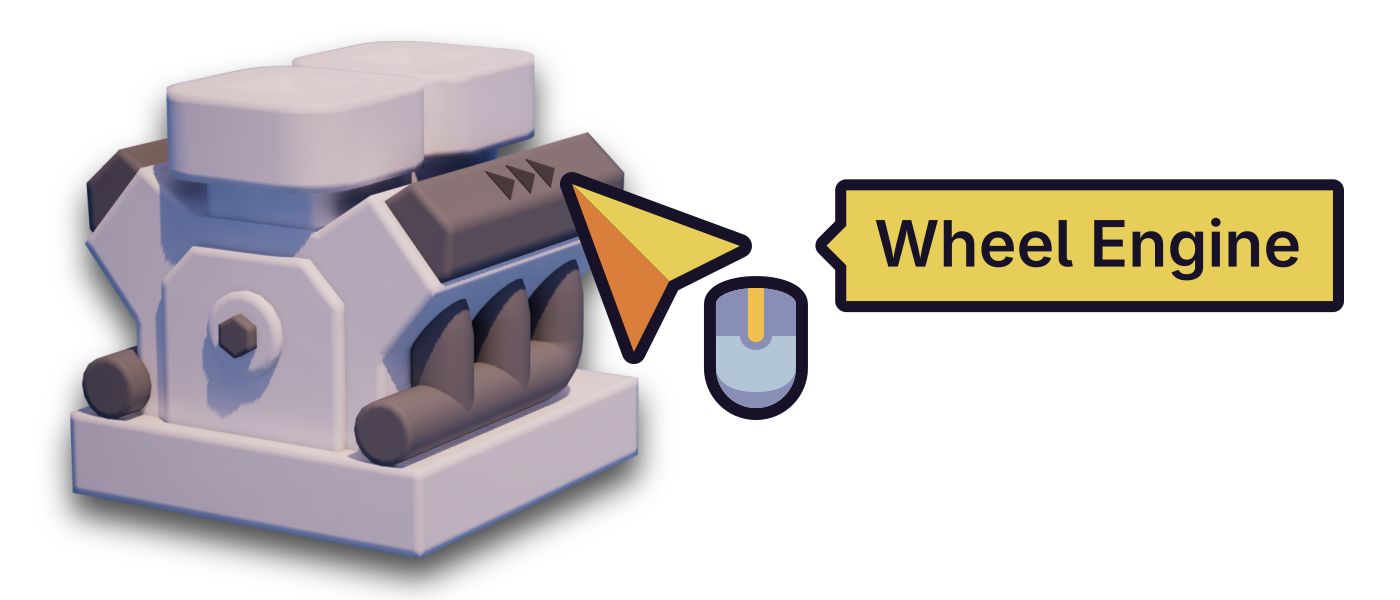
This will display a message in the center:
- The literal name of the brick. Sometimes this will show the size because some bricks use a naming scheme that includes the size.