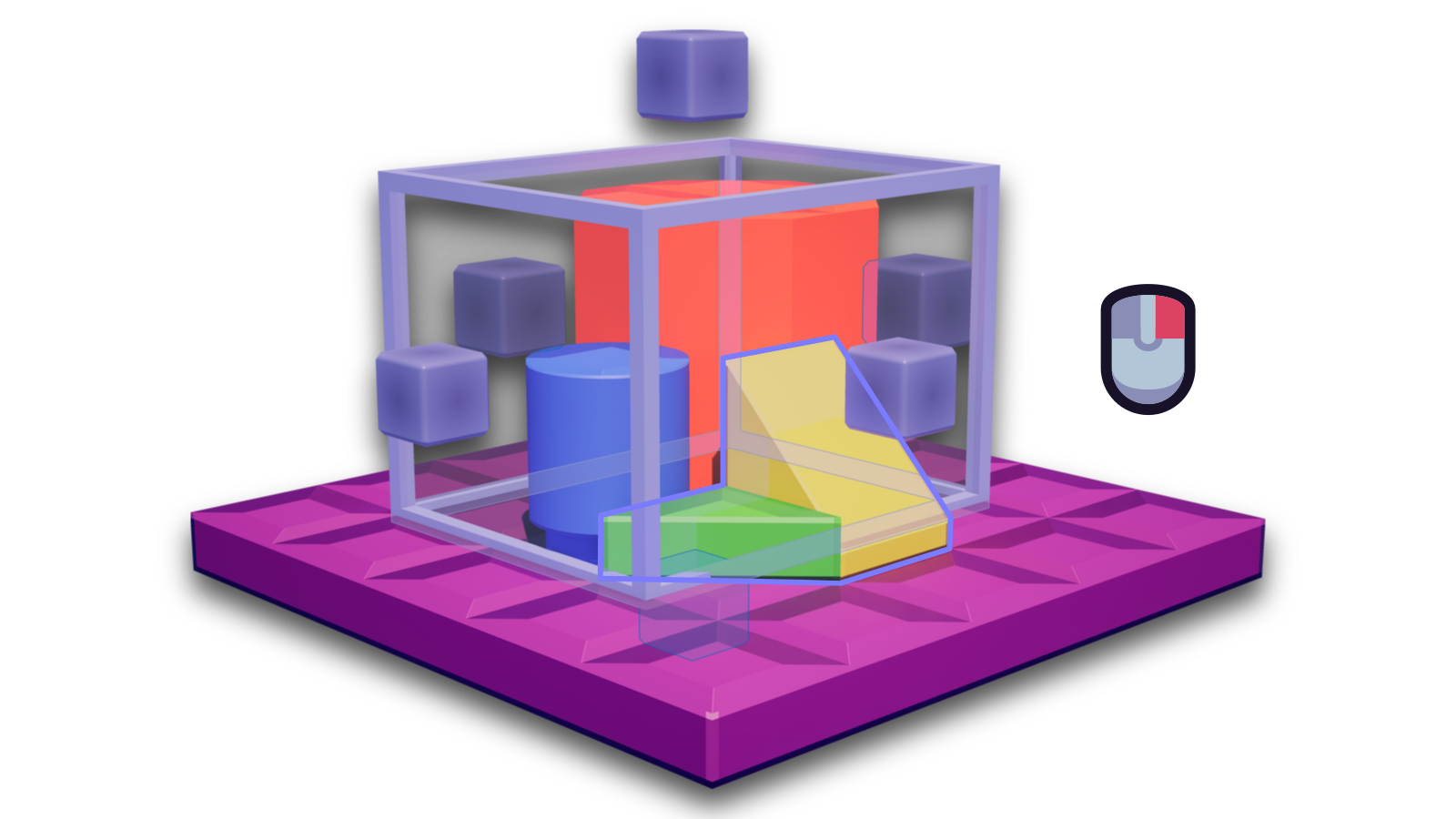
Box Mode★
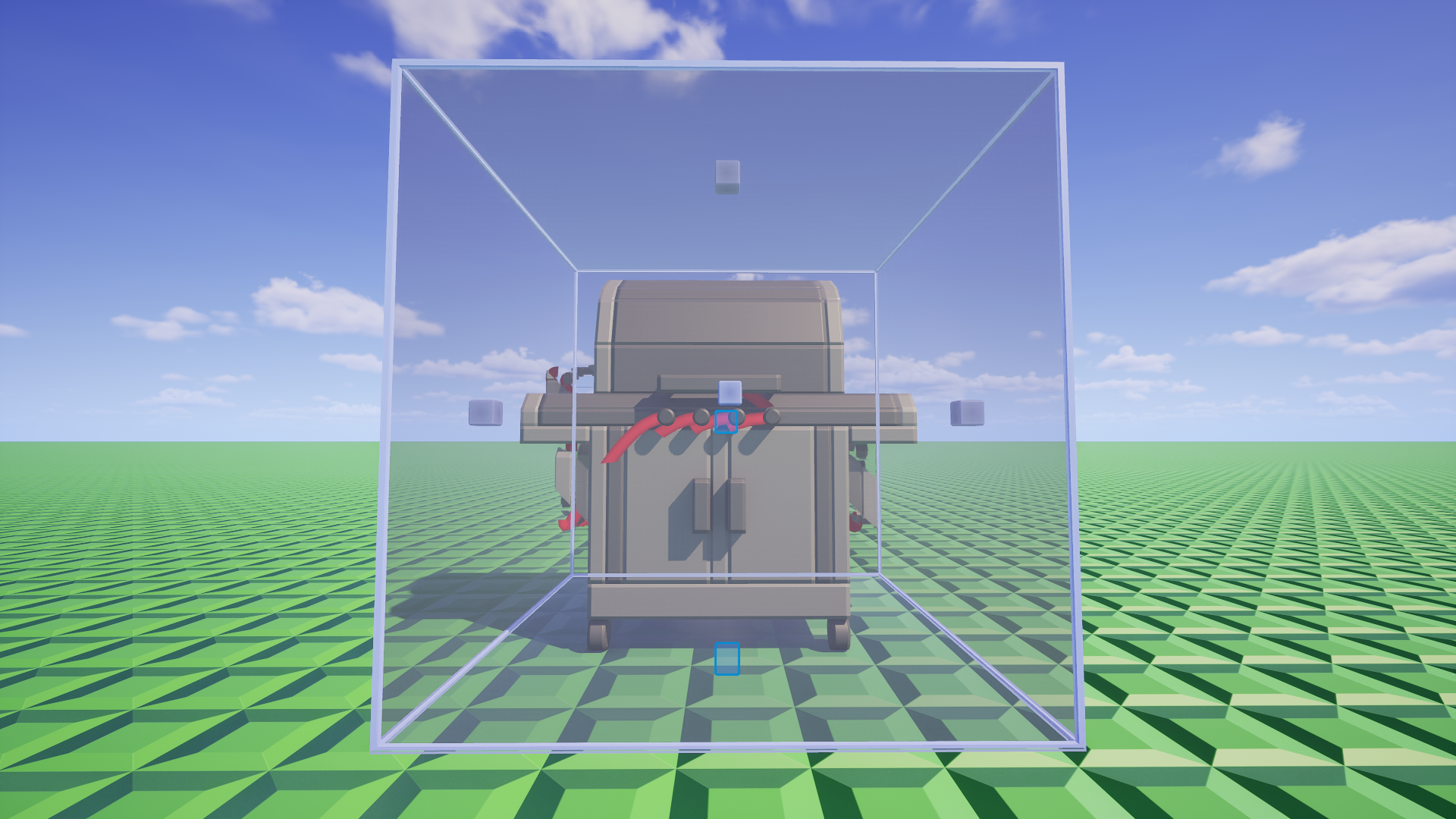
The Selector's Box mode is for precisely selecting within a cuboid area, aligning with certain grids.
For a Selector mode more suitable with entities, check out the Connection mode.
Placing the selection box★
Click a brick with the Selector in Box Mode to surround its bounds with the selection box.
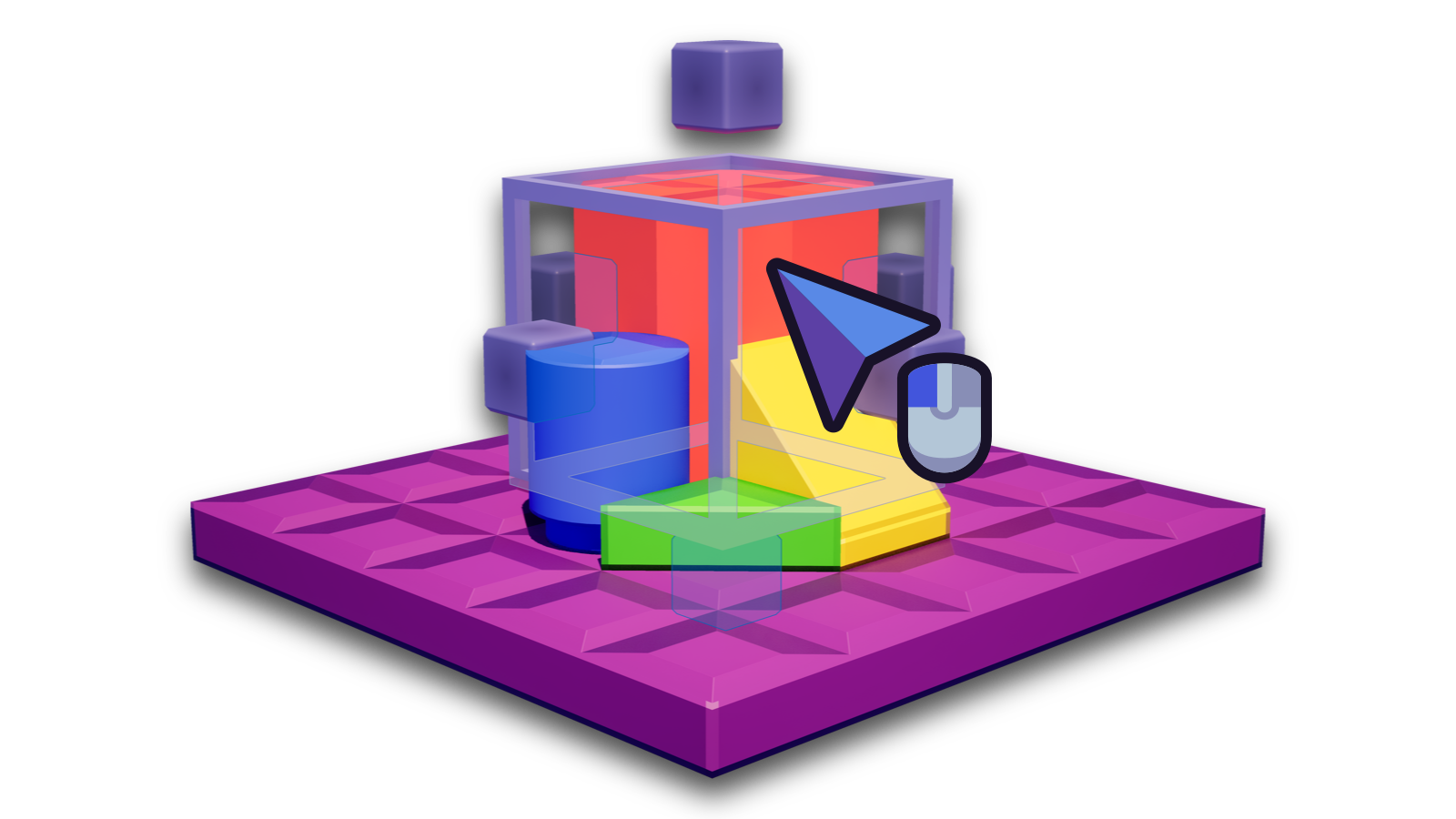
This will reset the size and location of the selection box.
Resizing the selection box★
You can click and hold on one of the handles aroudn the selection box to resize it in that direction.
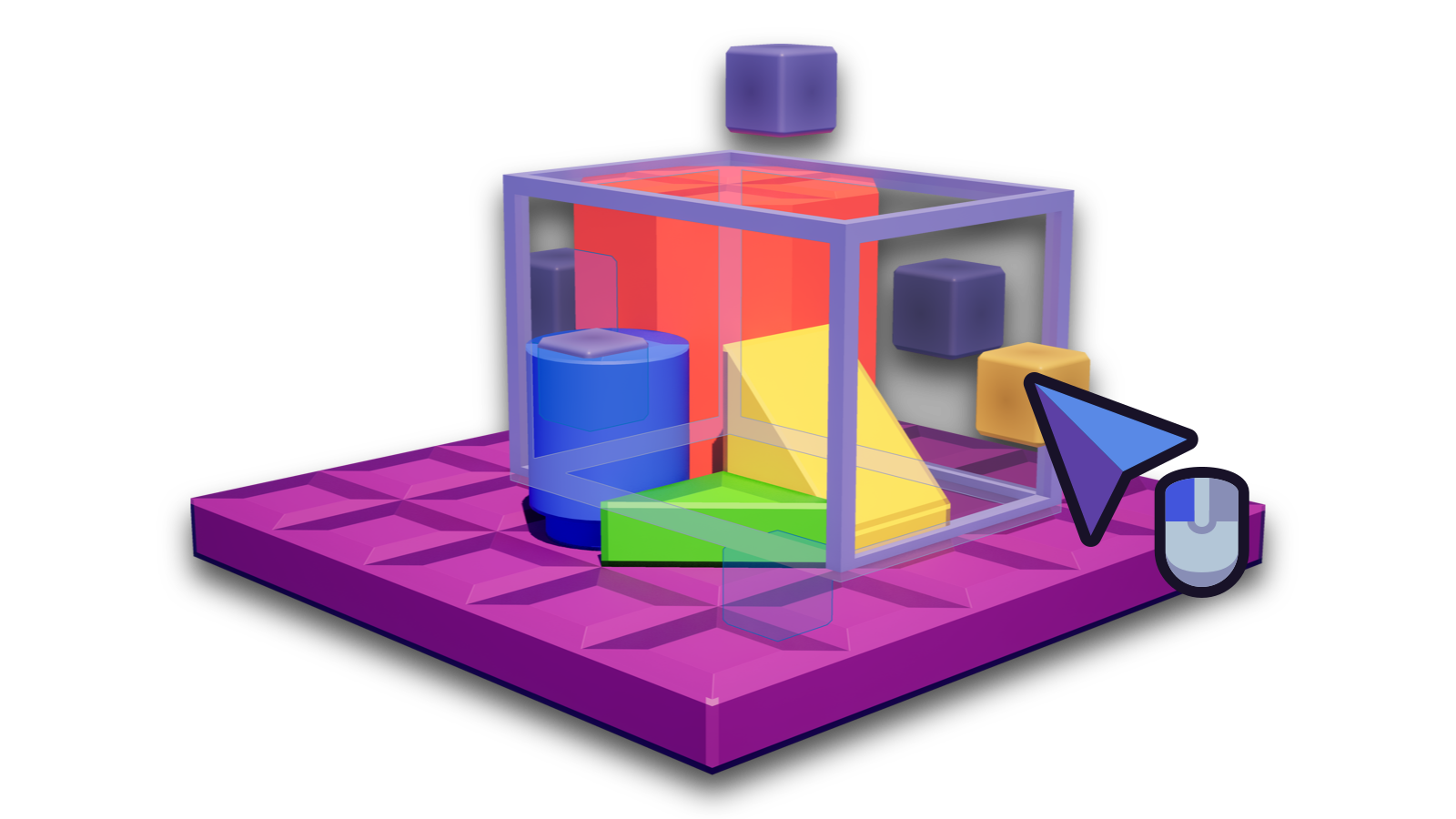
Hold Left Ctrl to resize the selection box more precisely by 2 micro-units instead of a full plate height/length.
Release the Left Mouse Button once you are done.
Expanding the selection box★
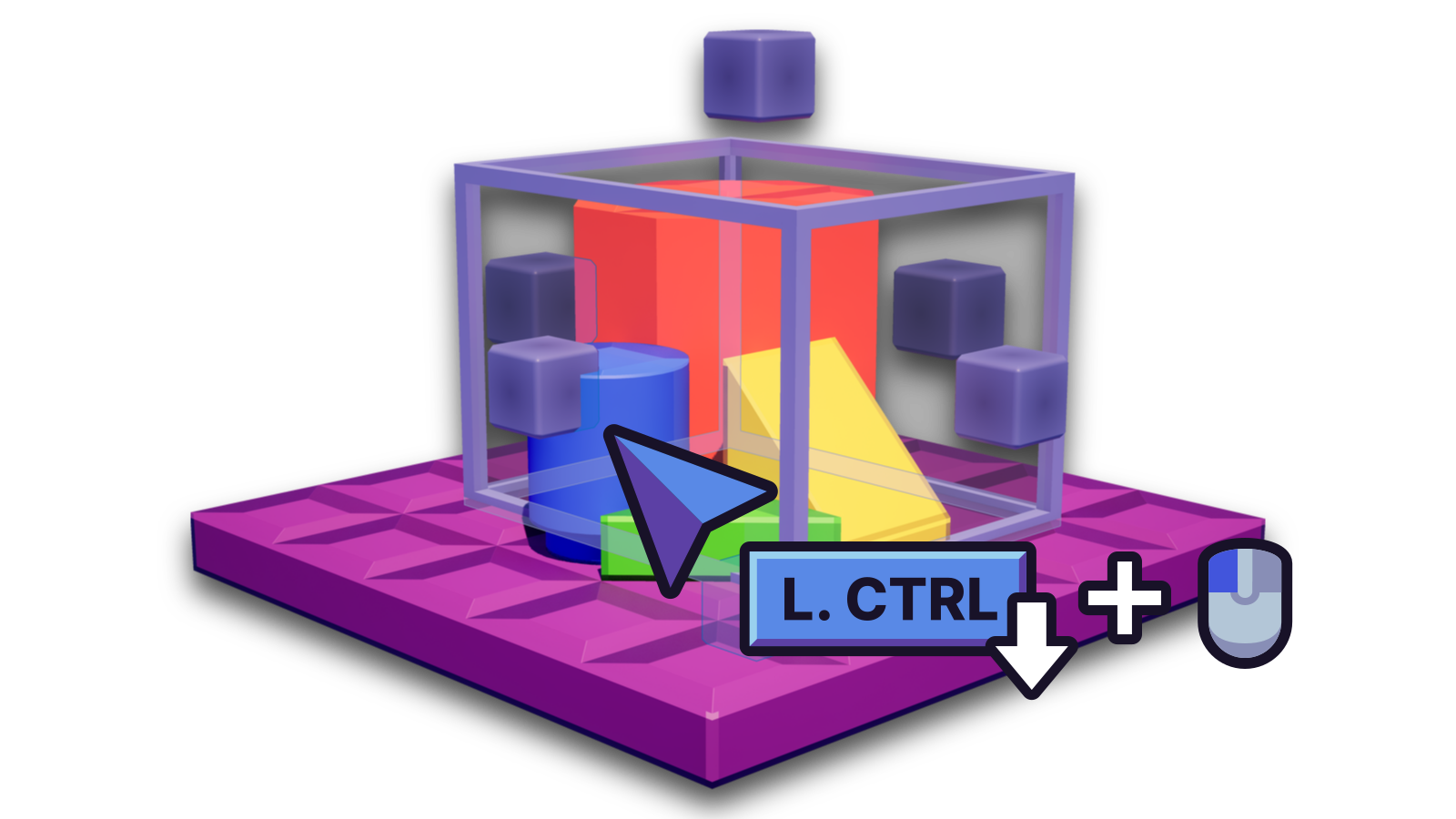
Hold Left Ctrl and click a brick. This will expand the selection box to cover that brick.
Note
You must select bricks on the same brick grid for this to work.
Selecting box area★
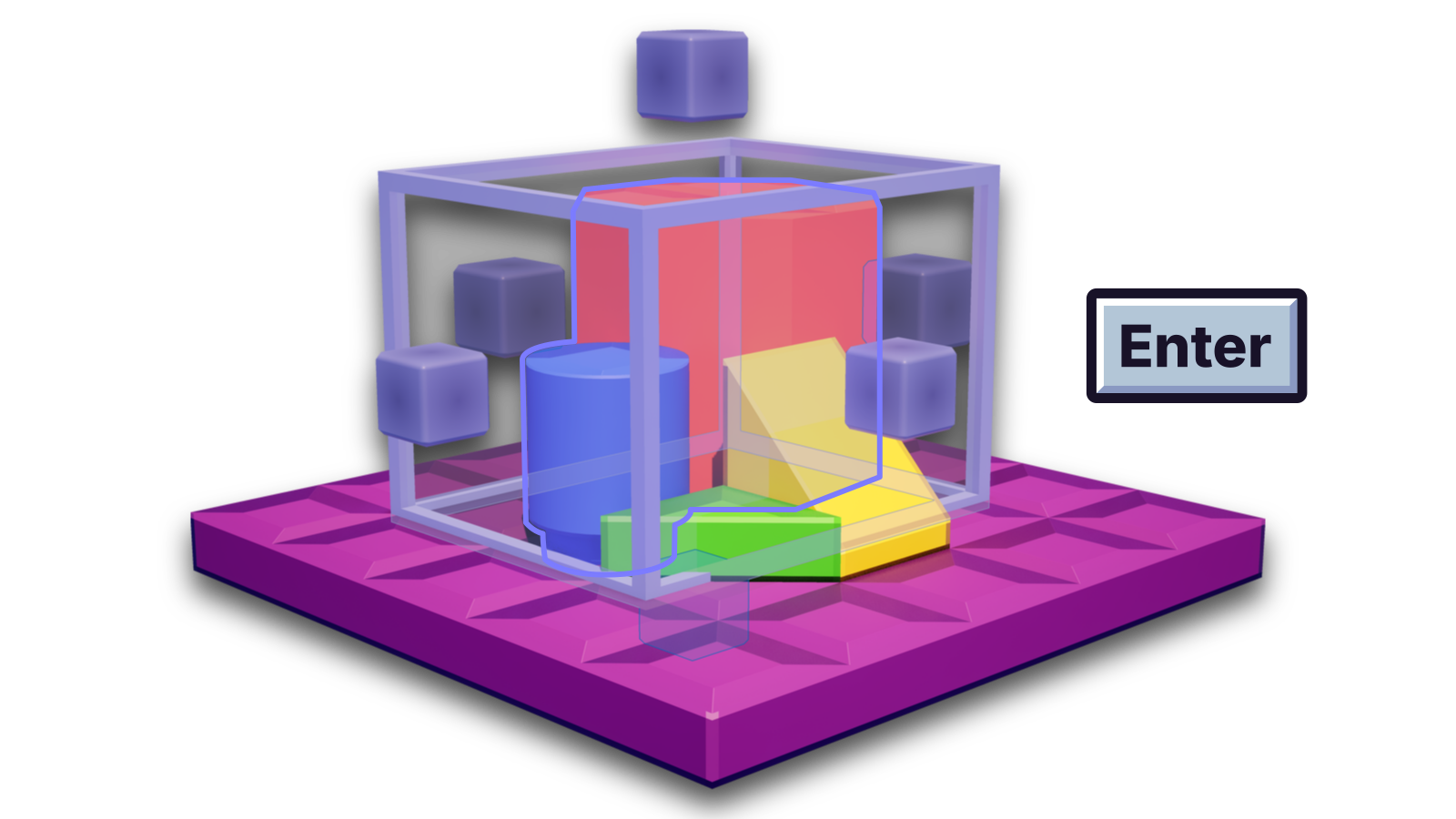
Press Enter to include objects across a brick grid in the selection box as part of your selection. This allows you to select multiple objects across different brick grids.
Deselecting box area★
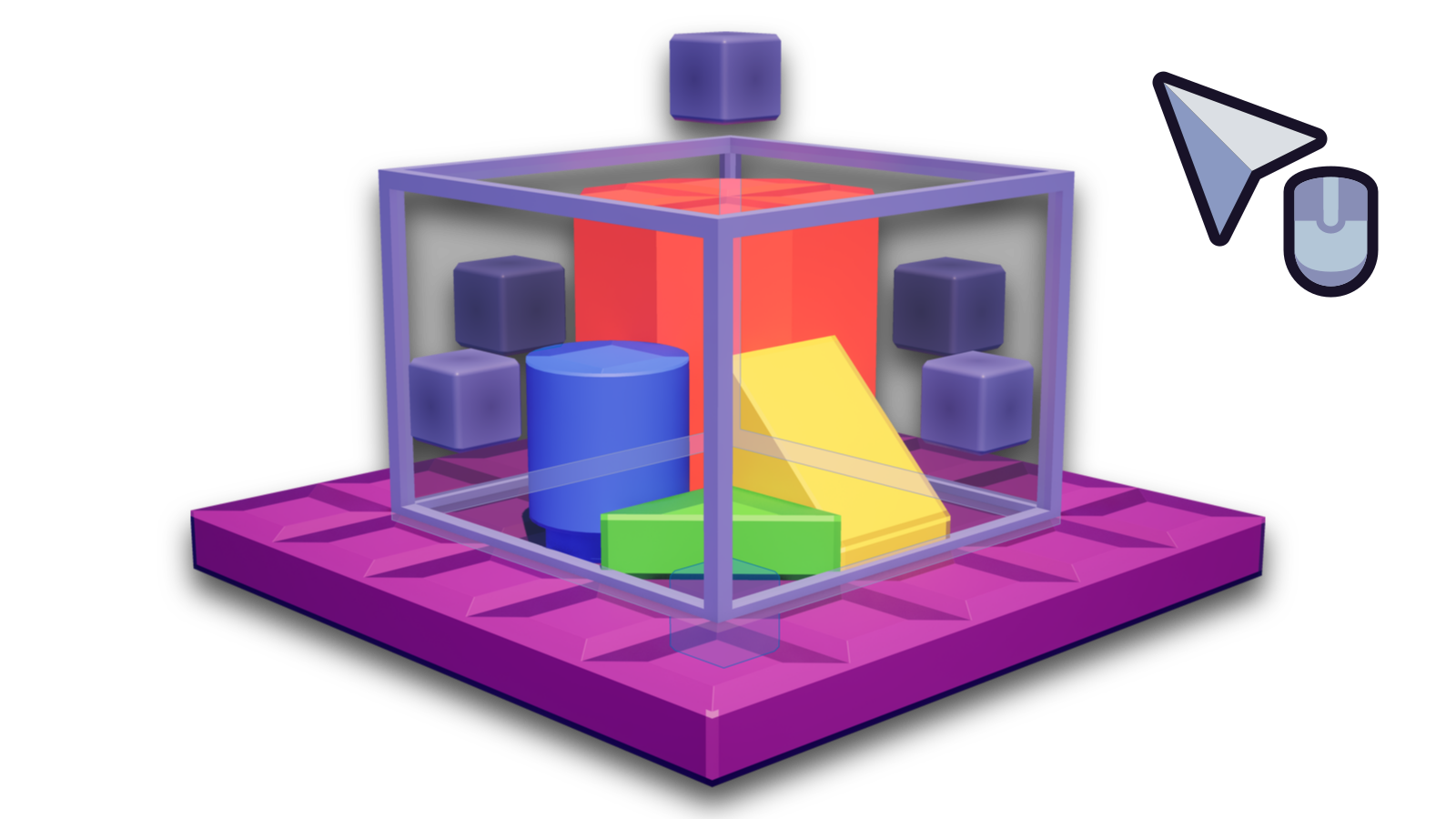
Right click to exclude objects across a brick grid in the selection box. They will no longer be a part of your current selection.