Connection Mode★
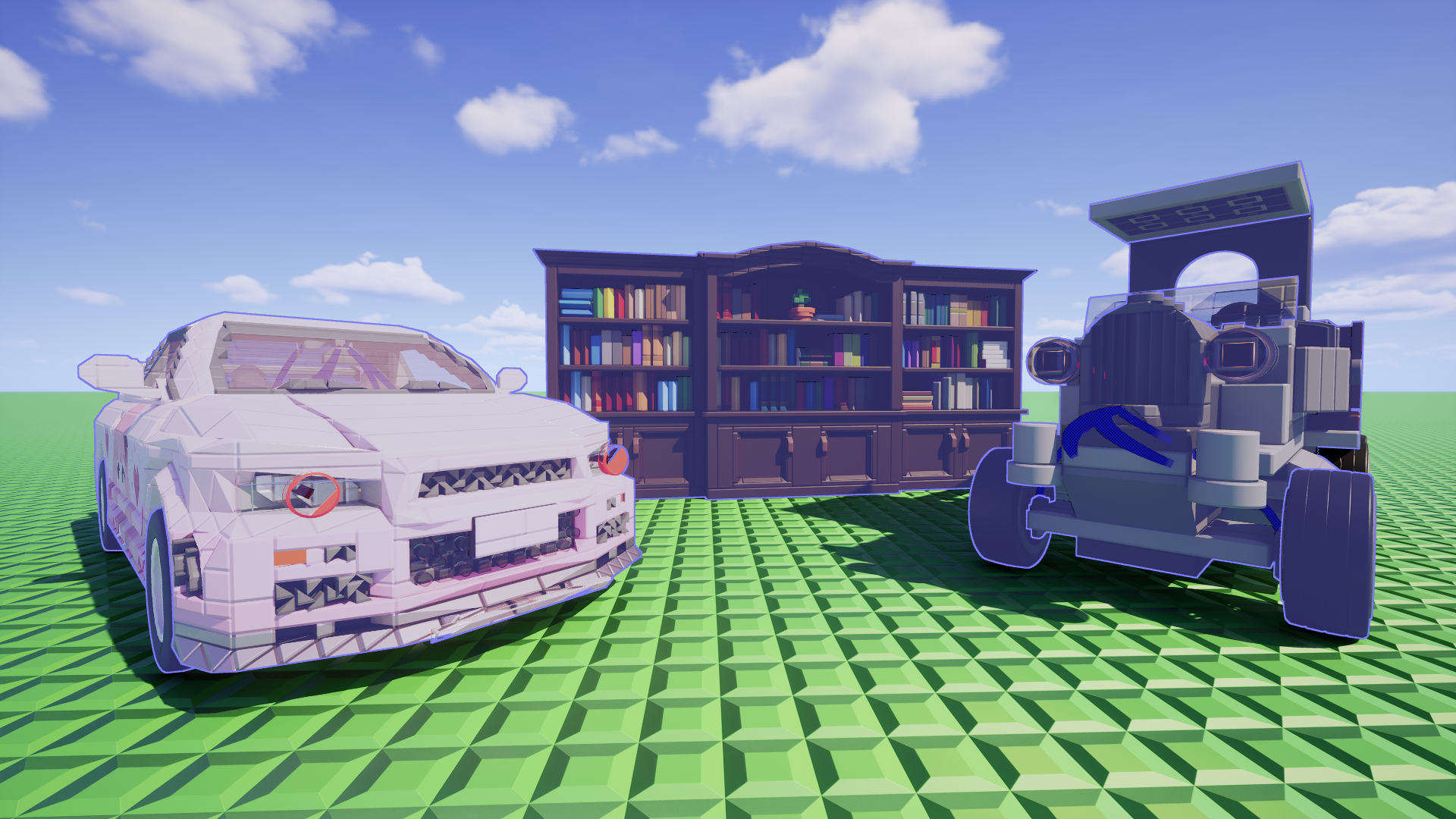
The Selector's Connection mode is for selecting entities like props, vehicles or other kinds of brick grids with ease.
For a mode of the Selector more suitable to bricks, check out the Box mode.
Select Entity★
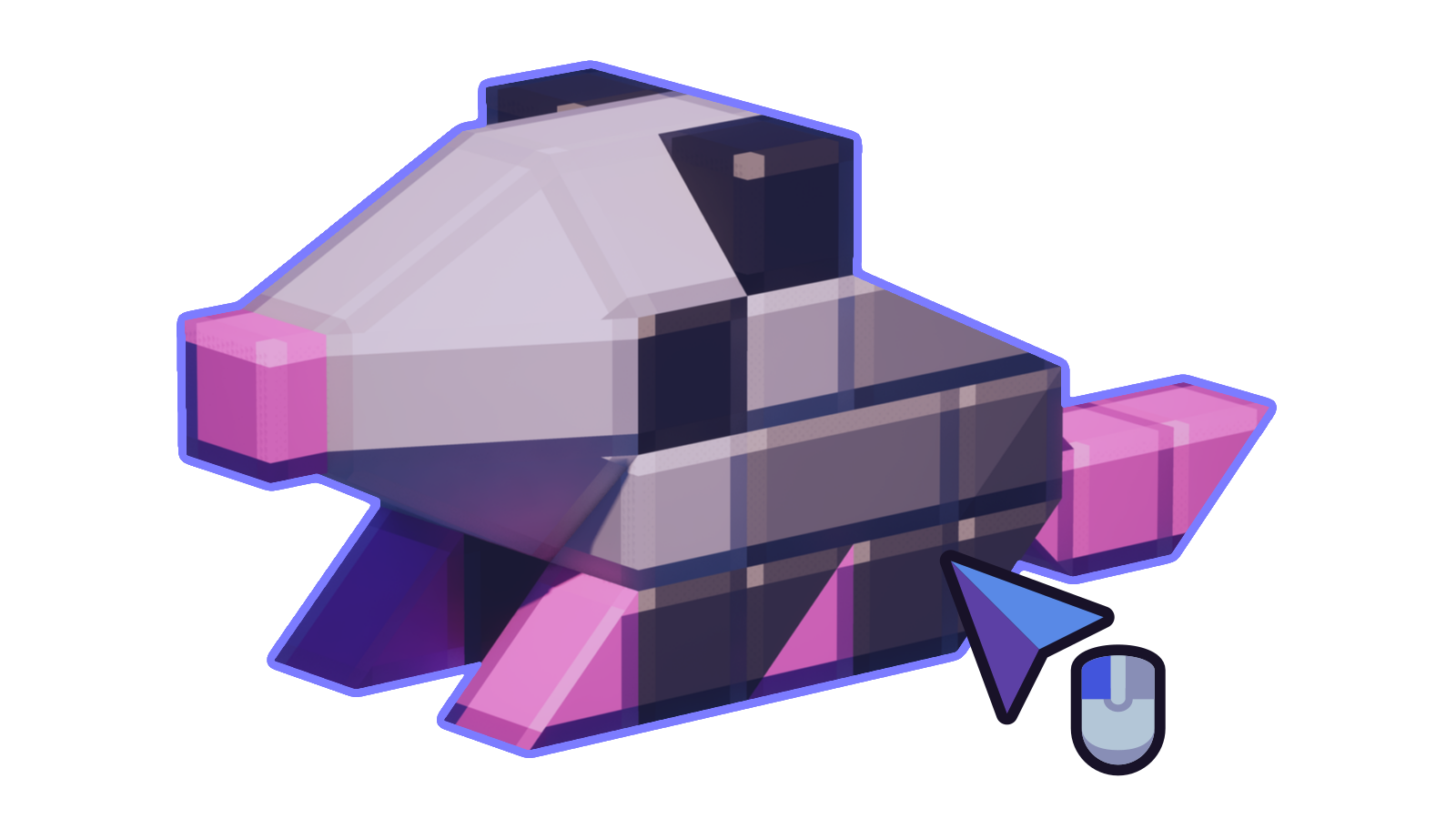
Click on a entity to select it. This will reset the selection only to the clicked entity.
Toggle Select★
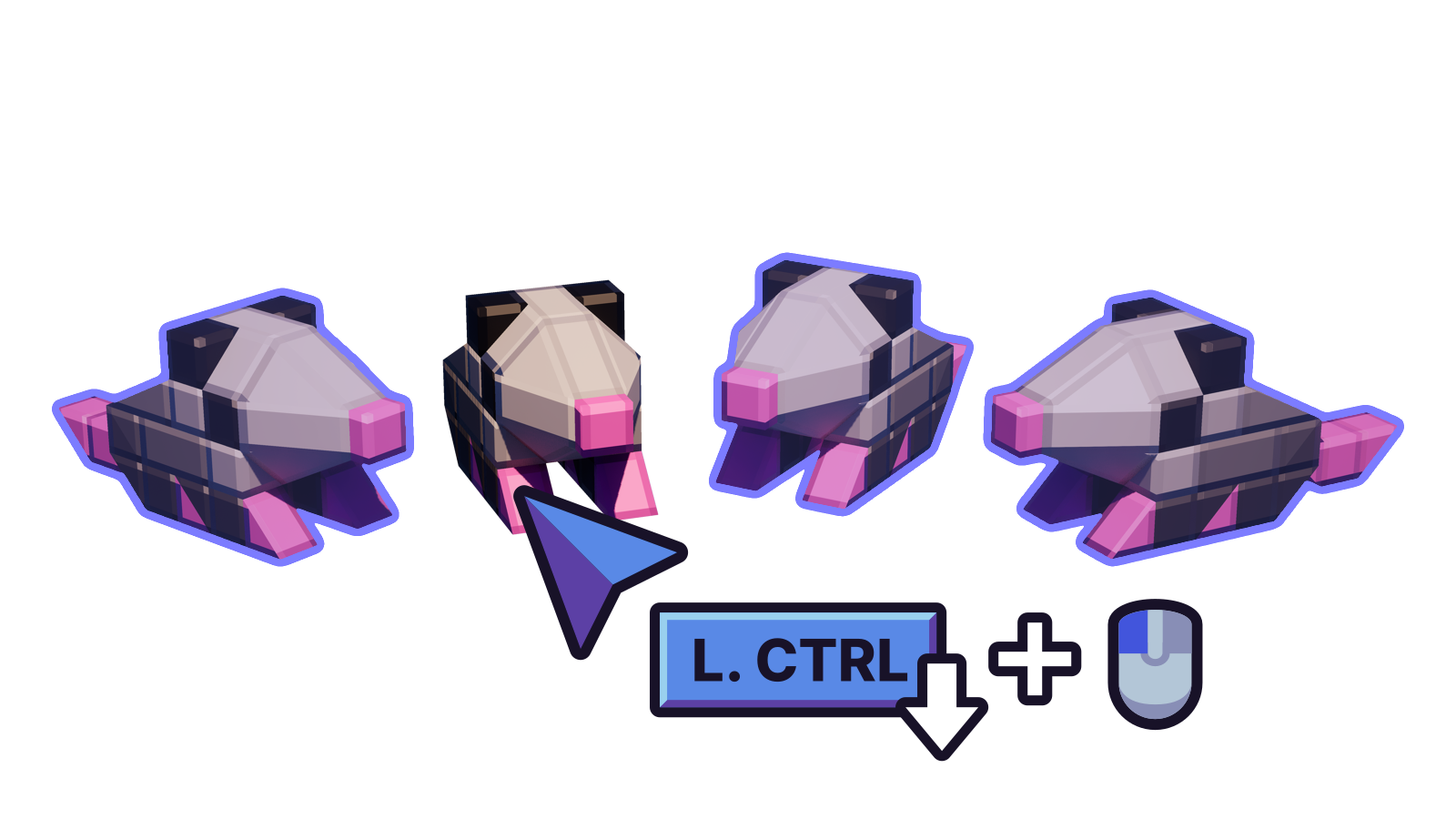
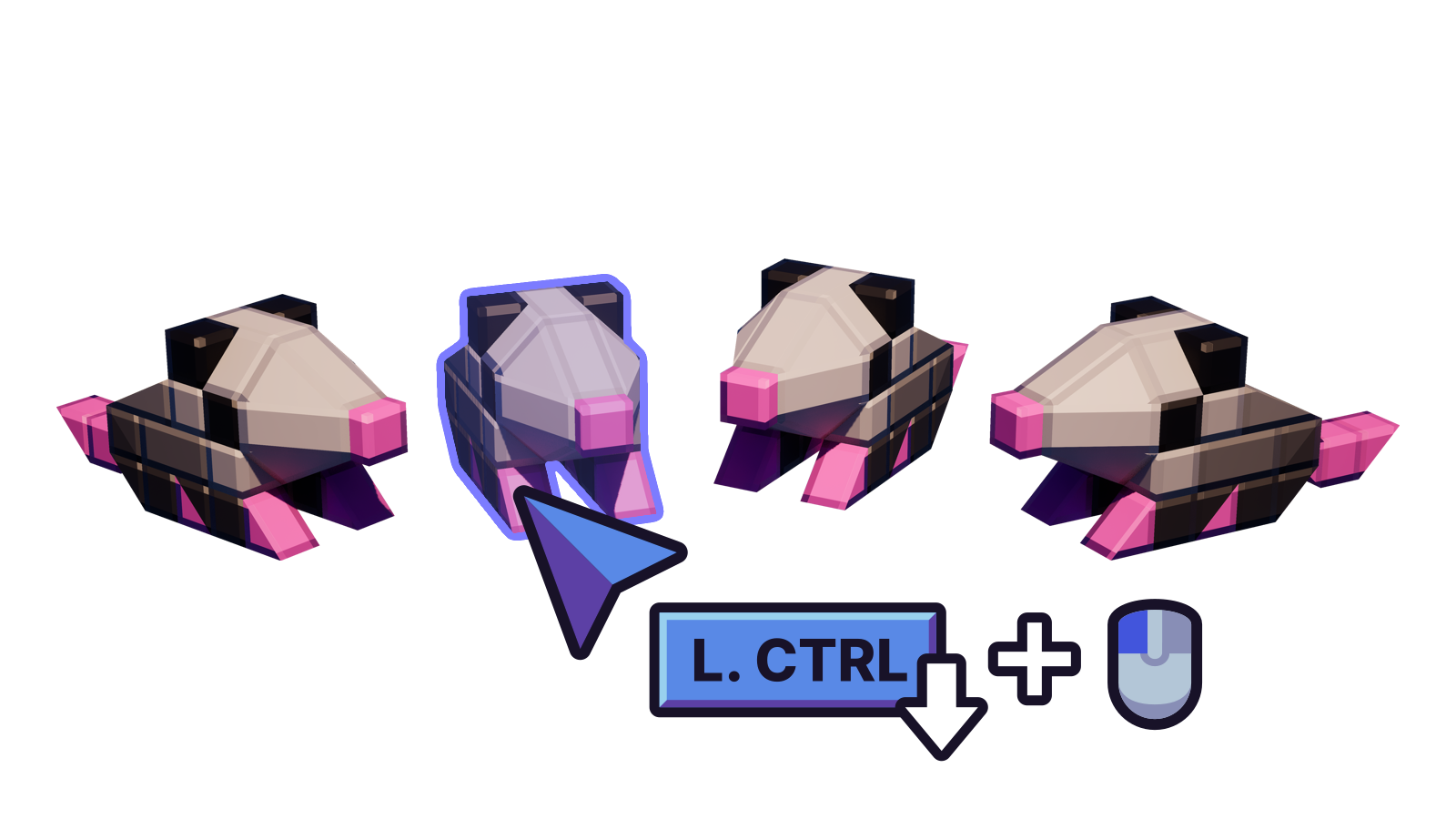
Hold Left Ctrl and click on an entity to toggle its selection.
Add Select★
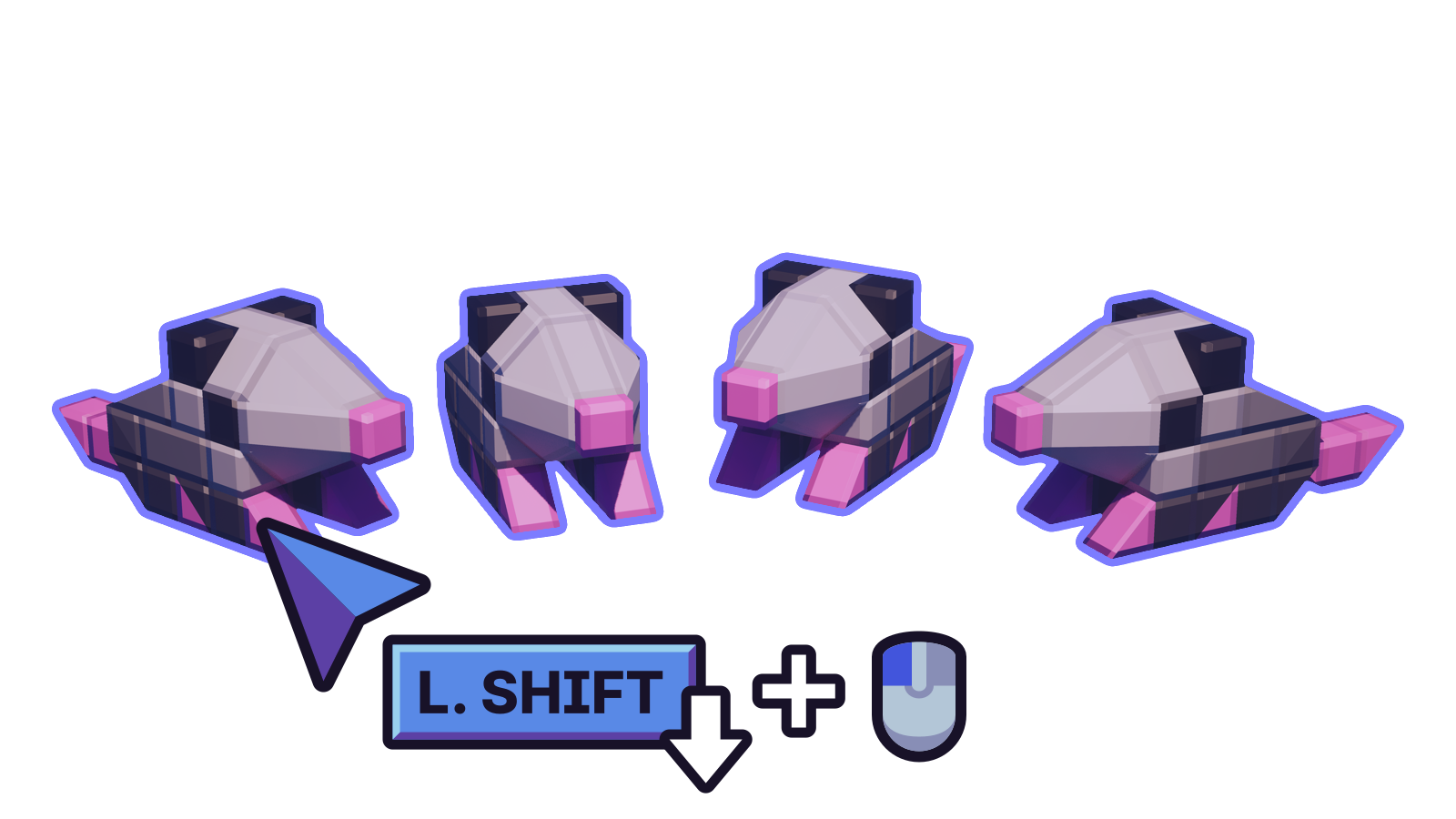
Hold Left Shift and click on an entity to add it into your current selection.
Select Contraption★
Hold Left Alt and click on a brick grid to select all entities connected to it.
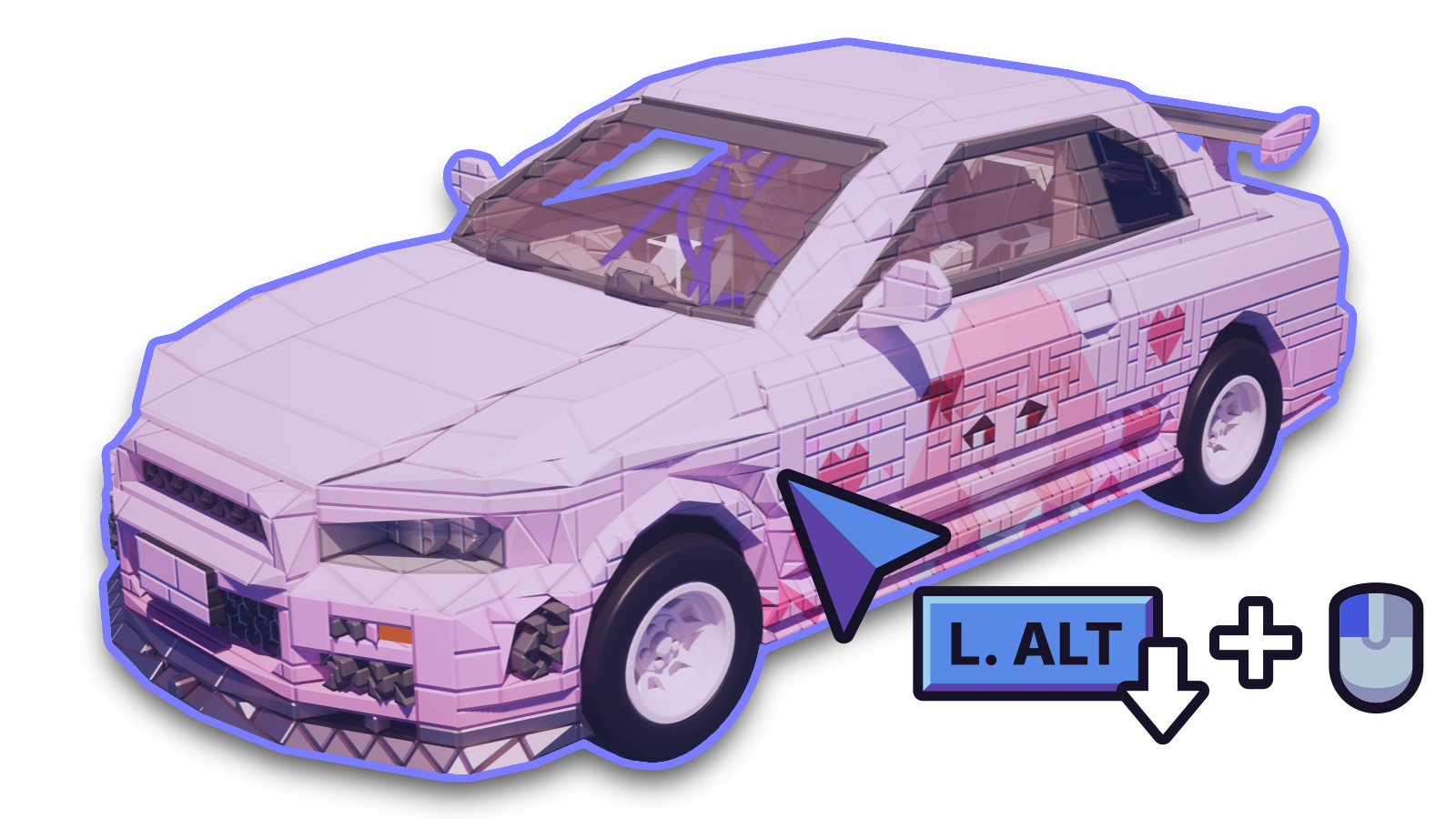
This is great for selecting vehicles and other physics-based props that have multiple segments.
Clear Selection★
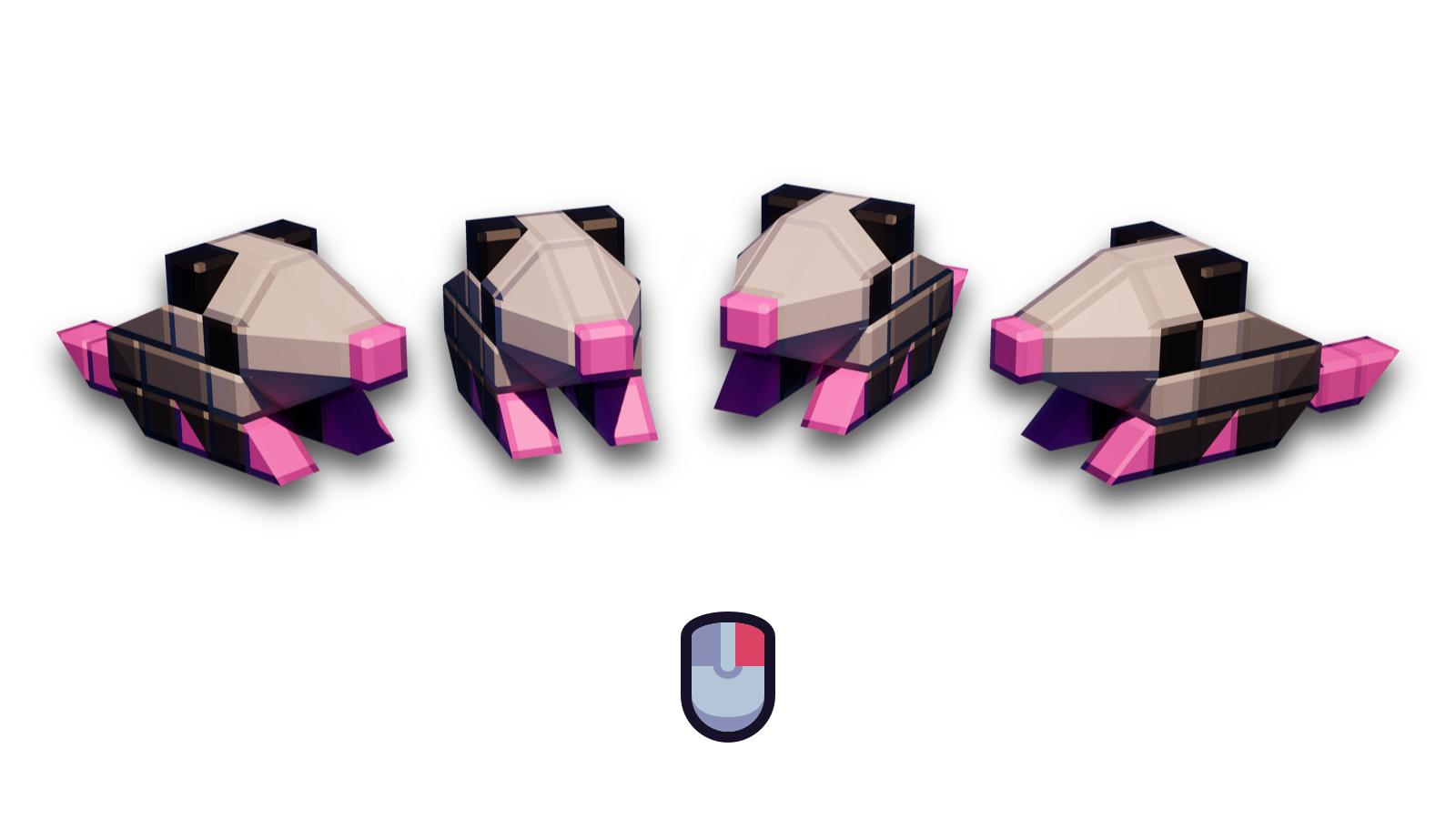
Right click to clear all entities from selection.